 Works with ThingSIM
RAKwireless Routers and Gateways: SIM Setup Guide
RAKwireless WisGate Edge gateways collect LoRaWAN sensor data and send it on over LTE where there is no wired line. A ThingSIM gives each gateway its backhaul on whichever Irish network reaches it.
Last updated
Setting up a ThingSIM in WisGateOS
The APN goes in Network → WAN → Cellular → Settings (WisGateOS 2). Copy it from the SIM's page in the ThingSIM portal; there is no username or password.
- Activate the SIM in the ThingSIM portal, then insert it (cellular models only).
- Log in to the gateway and go to Network → WAN → Cellular.
- Expand the cellular section and click Settings.
- Enter the APN from the portal and leave the username, password and PIN blank.
- Save, then check the cellular interface shows connected.
Two SIMs for failover
WisGate Edge gateways take one SIM. The cellular link can be the main backhaul or a backup to Ethernet.
Checking it works
Network → WAN → Cellular and the dashboard show the cellular connection.
More help
APN settings, signal but no data and setting up a 4G router.
RAKwireless models that work with ThingSIM
Every model below takes a standard SIM or eSIM and works with ThingSIM. Older models no longer sold are marked; plenty are still in service and work the same way.
LoRaWAN gateways
Works with ThingSIM
 Works with ThingSIM
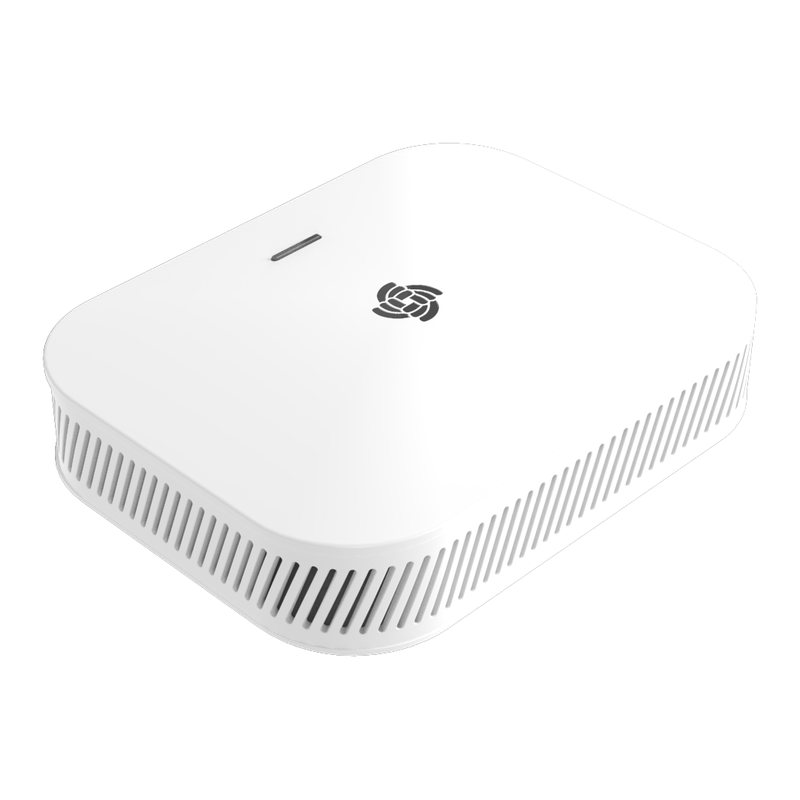
RAK7289CV2
4G LTE Cat 4 · 1 × nano Nano SIM Outdoor IP67 8/16-channel carrier-grade LoRaWAN gateway.RAK7267
4G LTE Cat 1 · 1 × nano Nano SIM Low-cost outdoor 8-channel LoRaWAN gateway with Cat 1 backhaul.RAK7266
4G LTE Cat 1 · 1 × nano Nano SIM Entry-level indoor LoRaWAN gateway with cellular backhaul.RAK7268CV2-V
4G LTE Cat 4 · 1 × nano Nano SIM Verizon-certified indoor LoRaWAN gateway for US deployments.RAK7240CV2
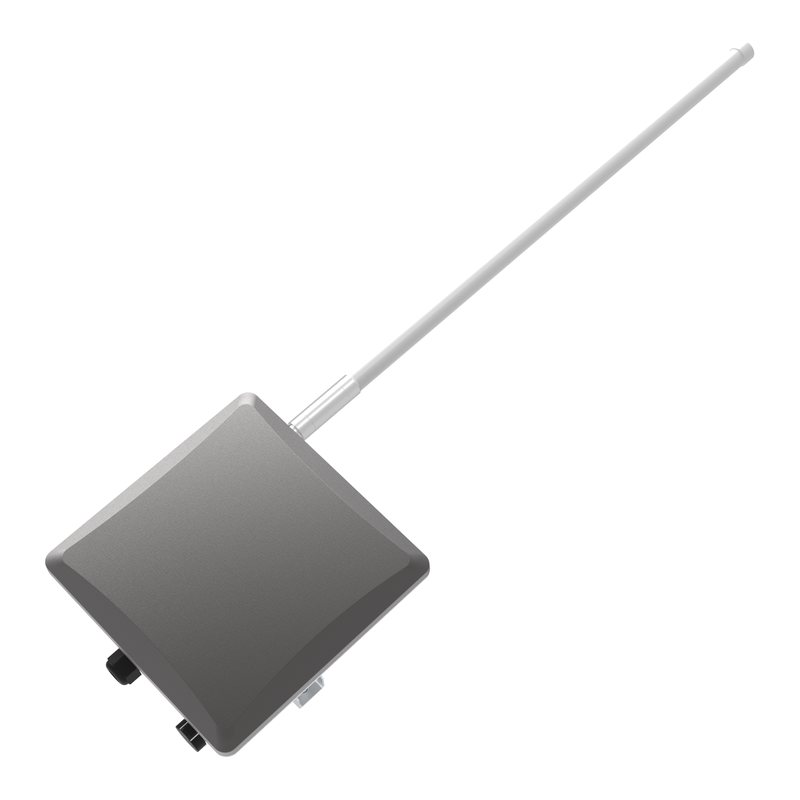
4G LTE Cat 4 · 1 × nano Nano SIM Outdoor IP65 LoRaWAN gateway.RAK7285C
4G LTE Cat 4 · 1 × nano Nano SIM Full-duplex outdoor LoRaWAN gateway for large-scale networks.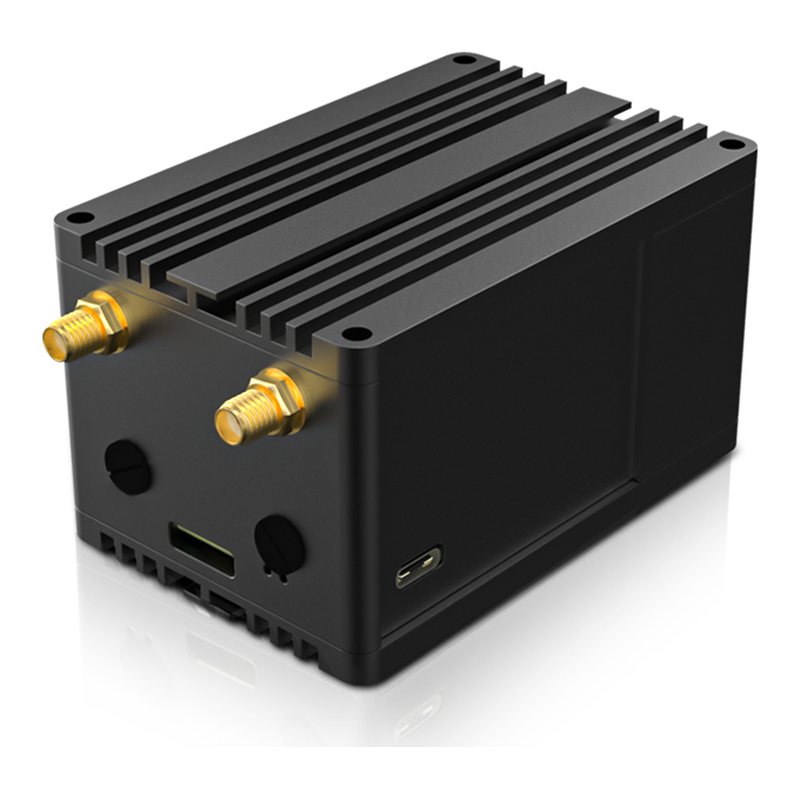 Works with ThingSIM
RAK7248C
4G LTE Cat 4 · 1 × size unconfirmed Raspberry Pi 4 developer LoRaWAN gateway with LTE HAT.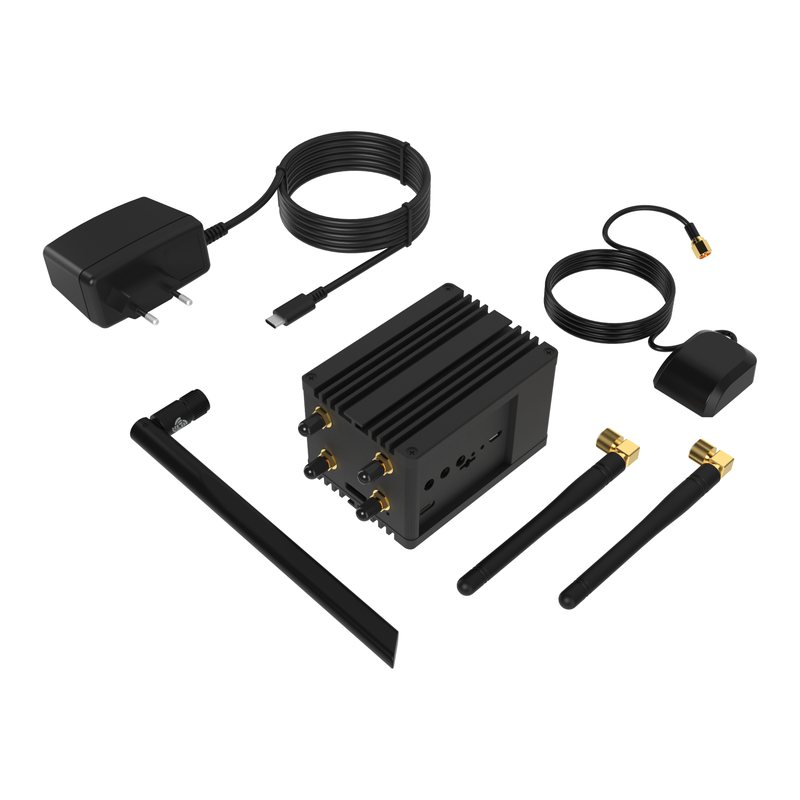 Works with ThingSIM
RAK7394C
4G LTE Cat 4 · 1 × size unconfirmed Raspberry Pi CM4 developer LoRaWAN gateway with LTE.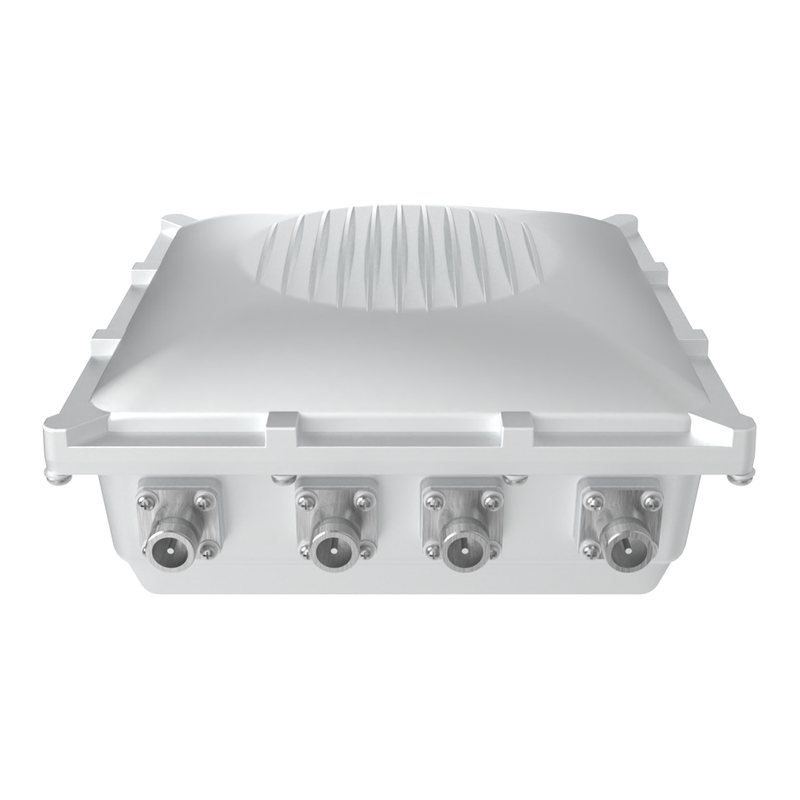 Works with ThingSIM
No longer sold
RAK7249
4G LTE Cat 4 · 1 × size unconfirmed Outdoor 8/16-channel LoRaWAN gateway (predecessor of Edge Pro).IoT gateways
 Works with ThingSIM
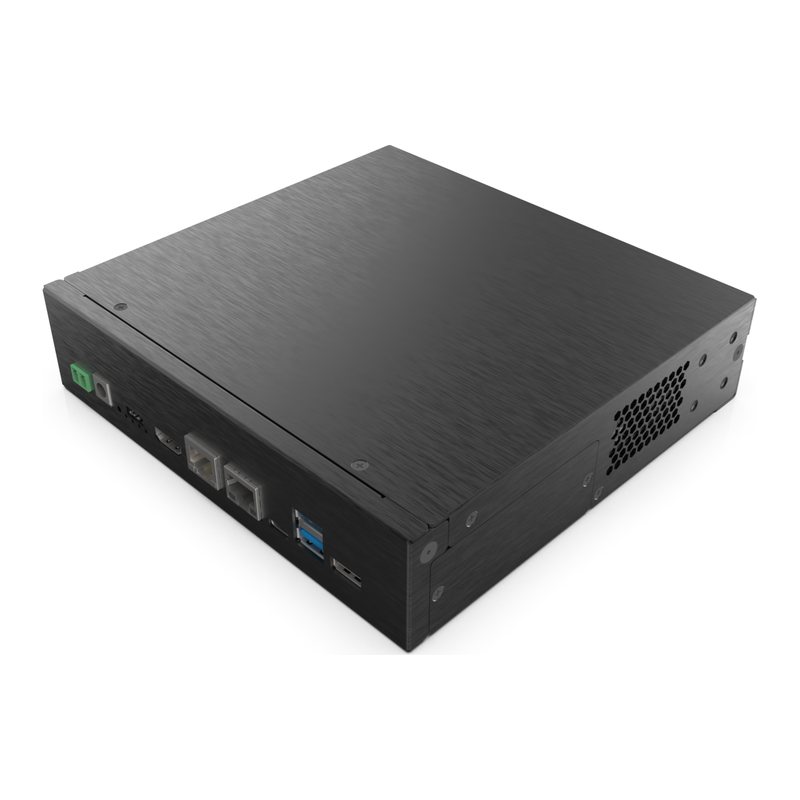
RAK7391
4G/5G via M.2 module CM4 carrier board for building custom industrial/cellular gateways.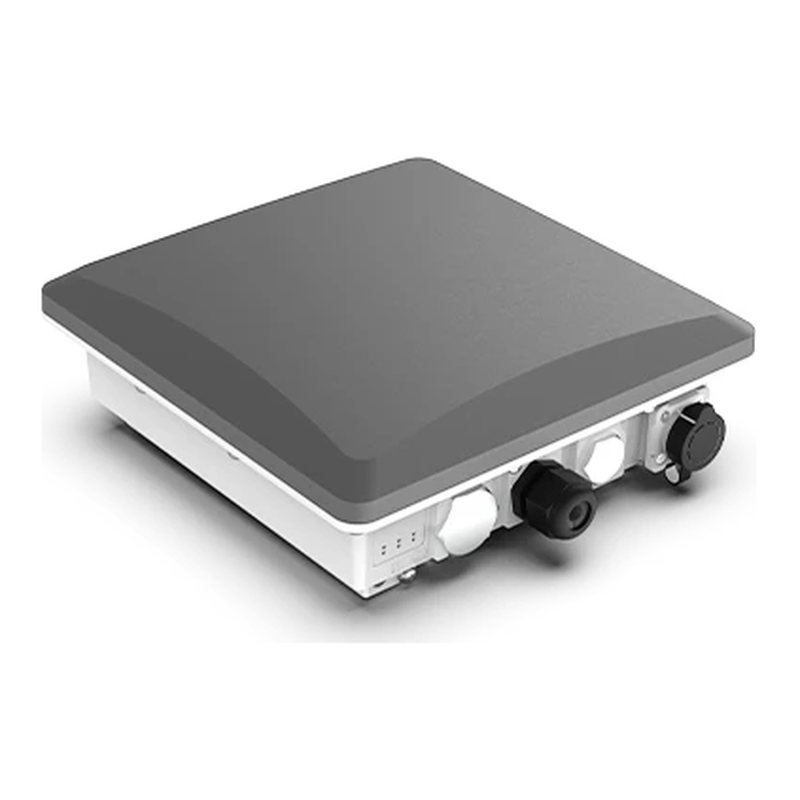 Works with ThingSIM
RAK7393C
4G LTE · up to 3 (nano 4FF) Outdoor Raspberry Pi CM4/CM5 gateway for LoRaWAN/mioty/LTE.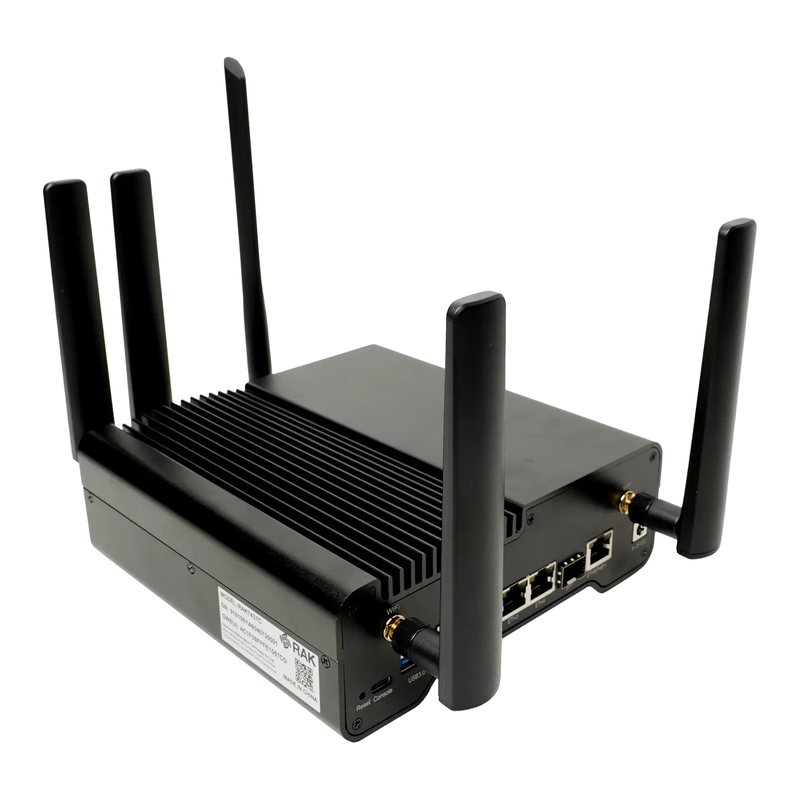 Works with ThingSIM
RAK7437C
4G LTE LoRaWAN-to-BACnet/IP building automation gateway.Questions people ask
How much data does a RAK LoRaWAN gateway use?
Sensor traffic is small; most gateways fit in 250 MB a month, €1.29 on Ireland multi-network.
Does the gateway need roaming turned on?
Yes. A ThingSIM always connects as a roaming SIM, even on Vodafone, Three and eir, so allow roaming in the gateway's LTE settings if it has the option.
A good place to start
Ireland multi-network, 250 MB a month
Roams across Vodafone, Three and eir and uses whichever is strongest where the device is.
About this plan250 MB
Ireland multi-network
€1.29a month per active SIM, ex VAT
Order 250 MBSetup Guides
All guides
Activating, pausing and moving SIMs
Use the ThingSIM portal to activate an IoT SIM at installation, pause or cease it, move a physical SIM to another device and change its plan.
APN settings: how to set up the APN on a device
Find the APN for your ThingSIM IoT SIM and enter it in a router, camera or tracker, then check that mobile data is working.
Improving 4G signal for a fixed device
Compare positions, check the enclosure and test antenna options before mounting a fixed 4G device, from rural sites in the West to the border counties.
Setting up a 4G router with a data SIM
Install a 4G router SIM in a compatible router, enter the APN, choose a data allowance and test the mobile broadband connection where it will run.