 Tested with ThingSIM
RAKwireless routers and gateways, tested with ThingSIM.
RAKwireless WisGate Edge gateways collect LoRaWAN sensor data and send it on over LTE where there is no wired line. A ThingSIM gives each gateway its backhaul on whichever UK network reaches it.
Setting up a ThingSIM in WisGateOS
The APN goes in Network → WAN → Cellular → Settings (WisGateOS 2). Copy it from the SIM's page in the ThingSIM portal; there is no username or password.
- Activate the SIM in the ThingSIM portal, then insert it (cellular models only).
- Log in to the gateway and go to Network → WAN → Cellular.
- Expand the cellular section and click Settings.
- Enter the APN from the portal and leave the username, password and PIN blank.
- Save, then check the cellular interface shows connected.
Two SIMs for failover
WisGate Edge gateways take one SIM. The cellular link can be the main backhaul or a backup to Ethernet.
Checking it works
Network → WAN → Cellular and the dashboard show the cellular connection.
More help
APN settings, signal but no data and setting up a 4G router.
RAKwireless models that work with ThingSIM
Every model below is compatible and tested with ThingSIM. Older models no longer sold are marked; plenty are still in service and work the same way.
LoRaWAN gateways
Tested with ThingSIM
 Tested with ThingSIM
RAK7289CV2
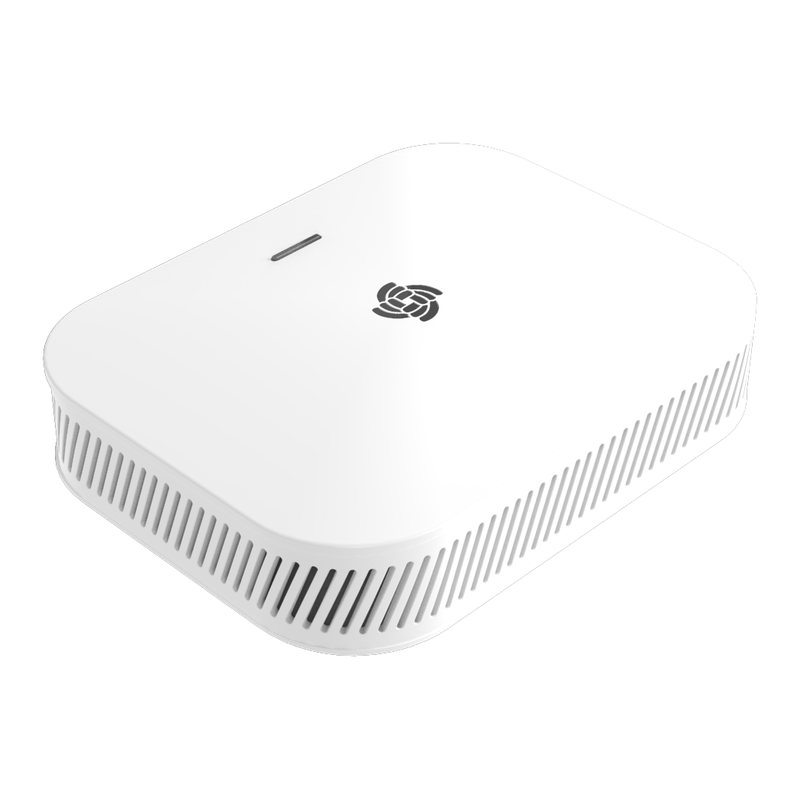
4G LTE Cat 4 · 1 × nano Nano SIM Outdoor IP67 8/16-channel carrier-grade LoRaWAN gateway.RAK7267
4G LTE Cat 1 · 1 × nano Nano SIM Low-cost outdoor 8-channel LoRaWAN gateway with Cat 1 backhaul.RAK7266
4G LTE Cat 1 · 1 × nano Nano SIM Entry-level indoor LoRaWAN gateway with cellular backhaul.RAK7268CV2-V
4G LTE Cat 4 · 1 × nano Nano SIM Verizon-certified indoor LoRaWAN gateway for US deployments.RAK7240CV2
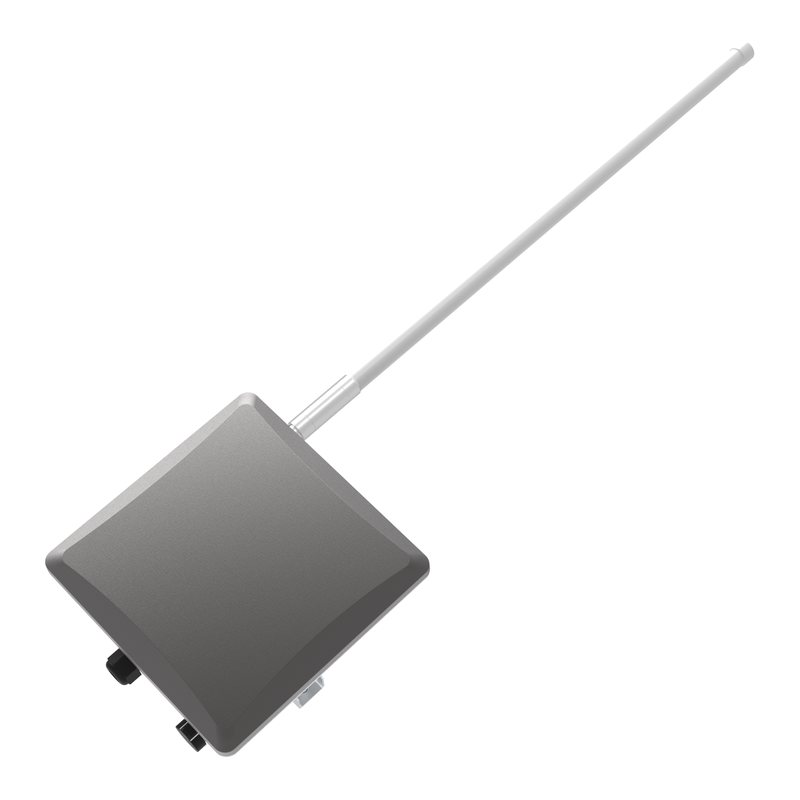
4G LTE Cat 4 · 1 × nano Nano SIM Outdoor IP65 LoRaWAN gateway.RAK7285C
4G LTE Cat 4 · 1 × nano Nano SIM Full-duplex outdoor LoRaWAN gateway for large-scale networks.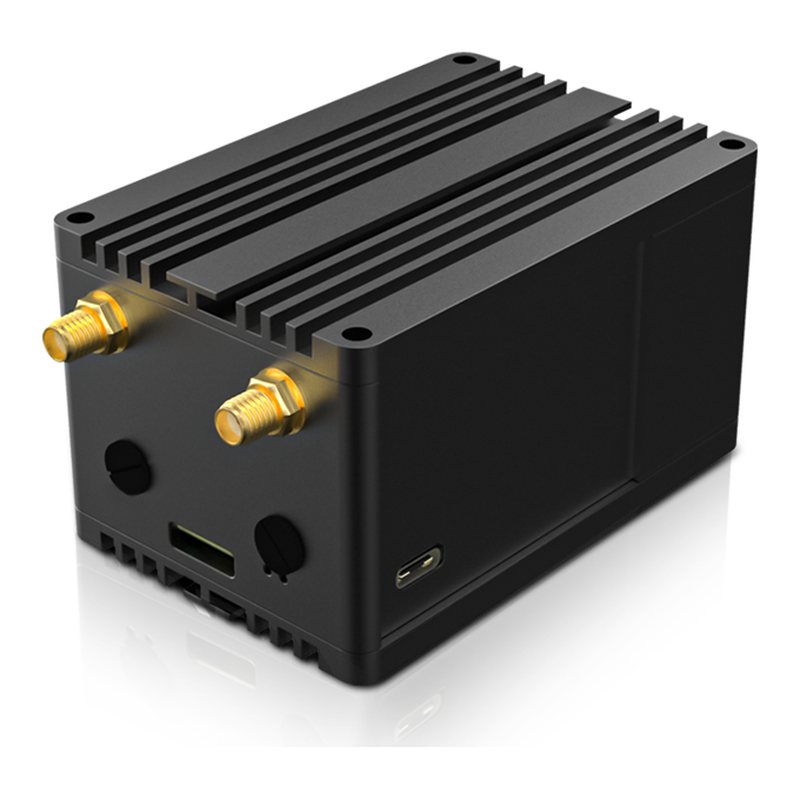 Tested with ThingSIM
RAK7248C
4G LTE Cat 4 · 1 × size unconfirmed Raspberry Pi 4 developer LoRaWAN gateway with LTE HAT.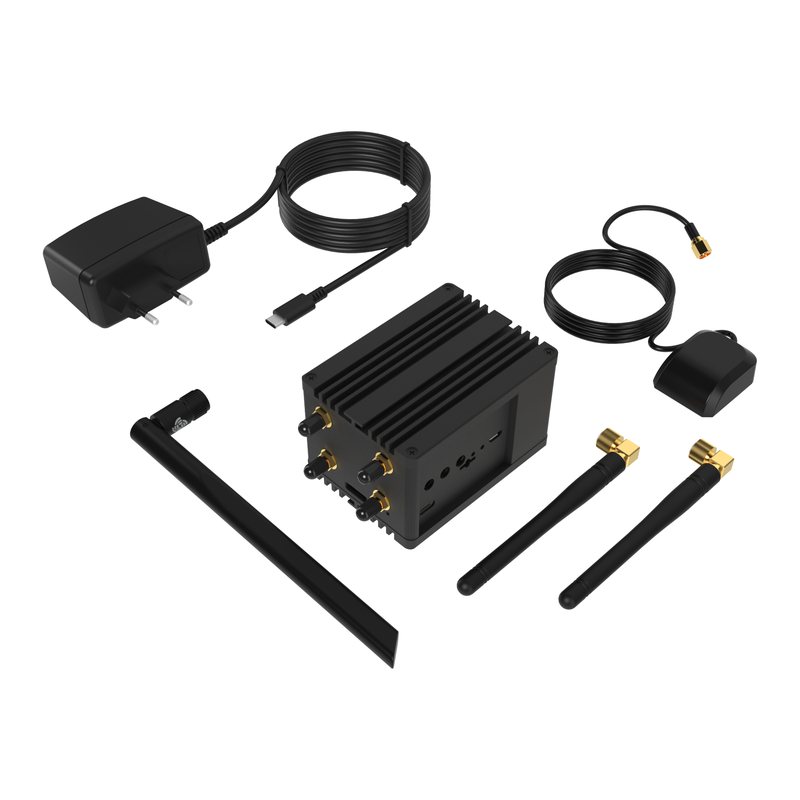 Tested with ThingSIM
RAK7394C
4G LTE Cat 4 · 1 × size unconfirmed Raspberry Pi CM4 developer LoRaWAN gateway with LTE.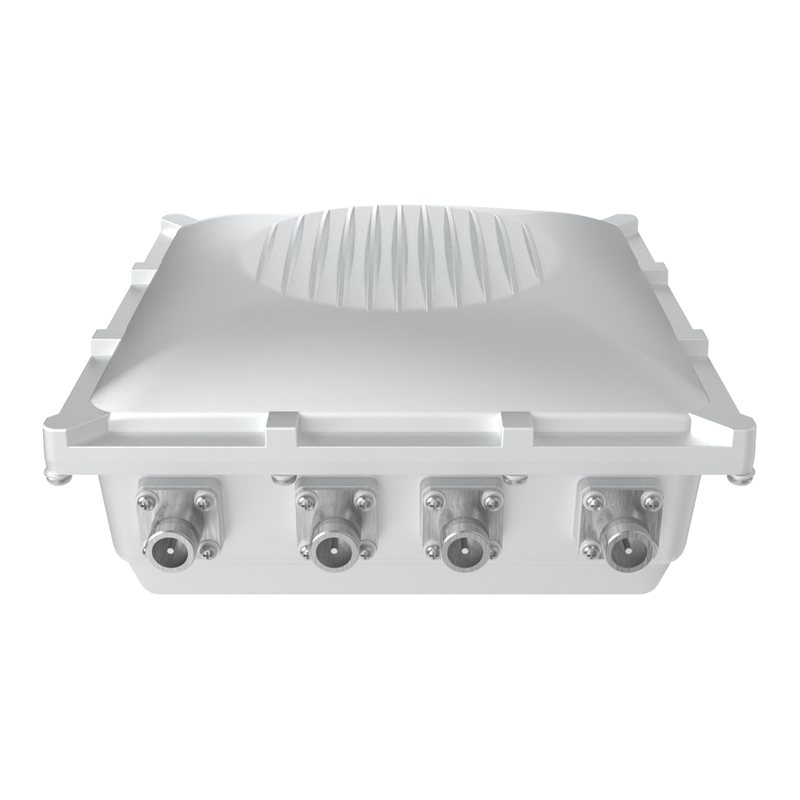 Tested with ThingSIM
No longer sold
Tested with ThingSIM
No longer sold
RAK7249
4G LTE Cat 4 · 1 × size unconfirmed Outdoor 8/16-channel LoRaWAN gateway (predecessor of Edge Pro).IoT gateways
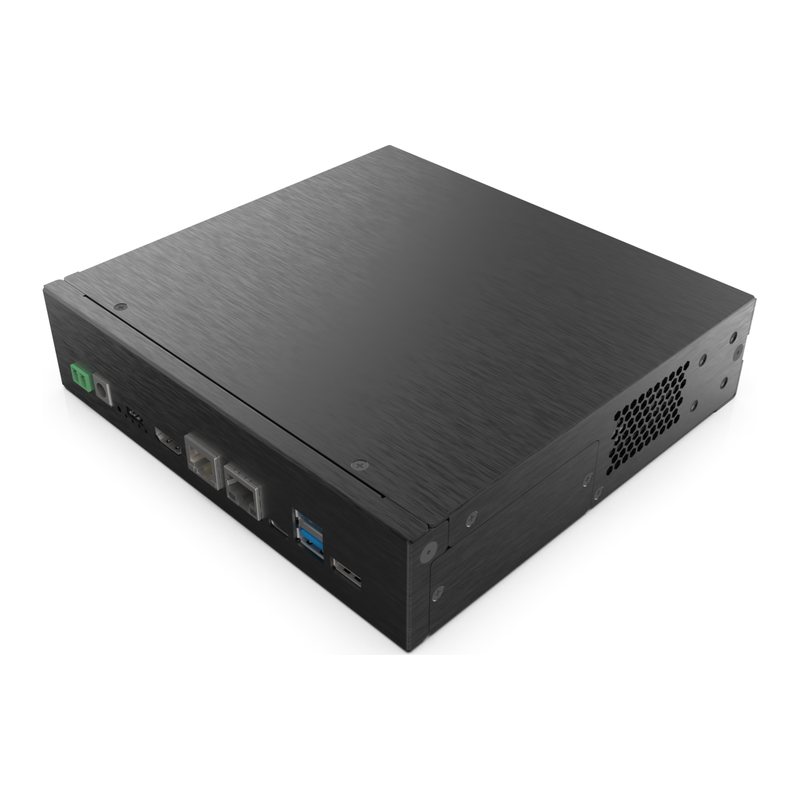 Tested with ThingSIM
RAK7391
4G/5G via M.2 module CM4 carrier board for building custom industrial/cellular gateways.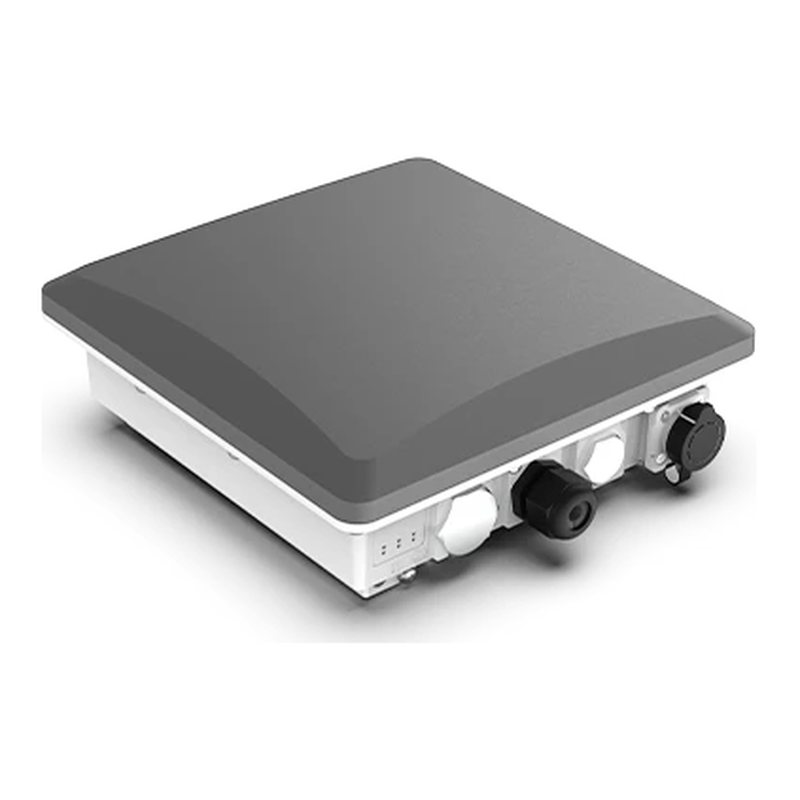 Tested with ThingSIM
RAK7393C
4G LTE · up to 3 (nano 4FF) Outdoor Raspberry Pi CM4/CM5 gateway for LoRaWAN/mioty/LTE.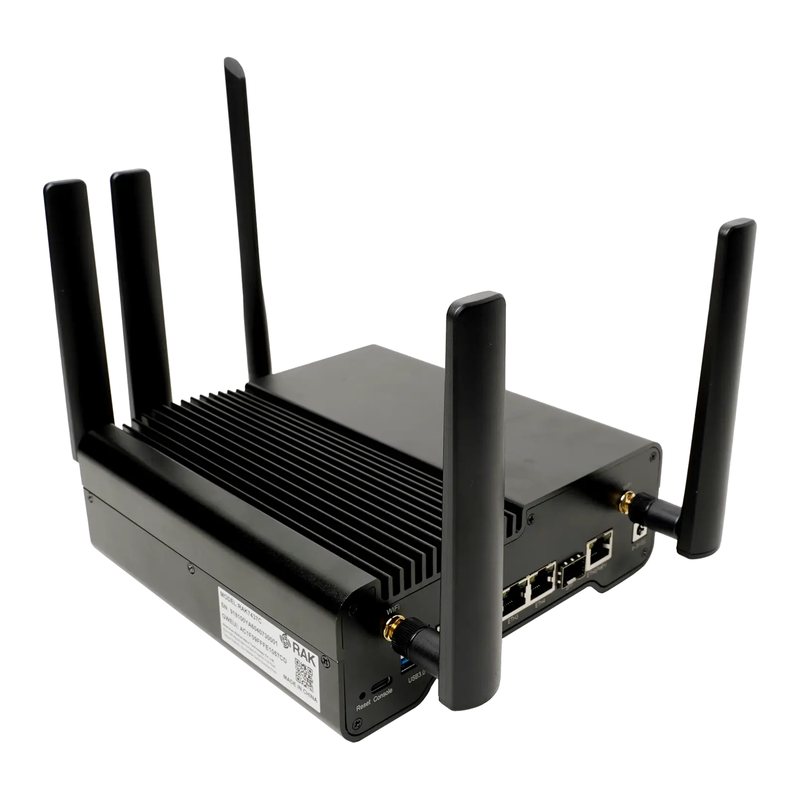 Tested with ThingSIM
RAK7437C
4G LTE LoRaWAN-to-BACnet/IP building automation gateway.Questions people ask
How much data does a RAK LoRaWAN gateway use?
Sensor traffic is small; most gateways fit in 250 MB a month, £1.20 on UK 4-network.
Does the gateway need roaming turned on?
Yes. A ThingSIM always connects as a roaming SIM, so allow roaming in the gateway's LTE settings if it has the option.
A good place to start
UK 4-network, 250 MB a month
Roams across all four UK networks and uses whichever is strongest where the device is.
Compare every plan250 MB
UK 4-network
£1.20a month per active SIM, ex VAT
Order 250 MB