SIMs for construction sites.
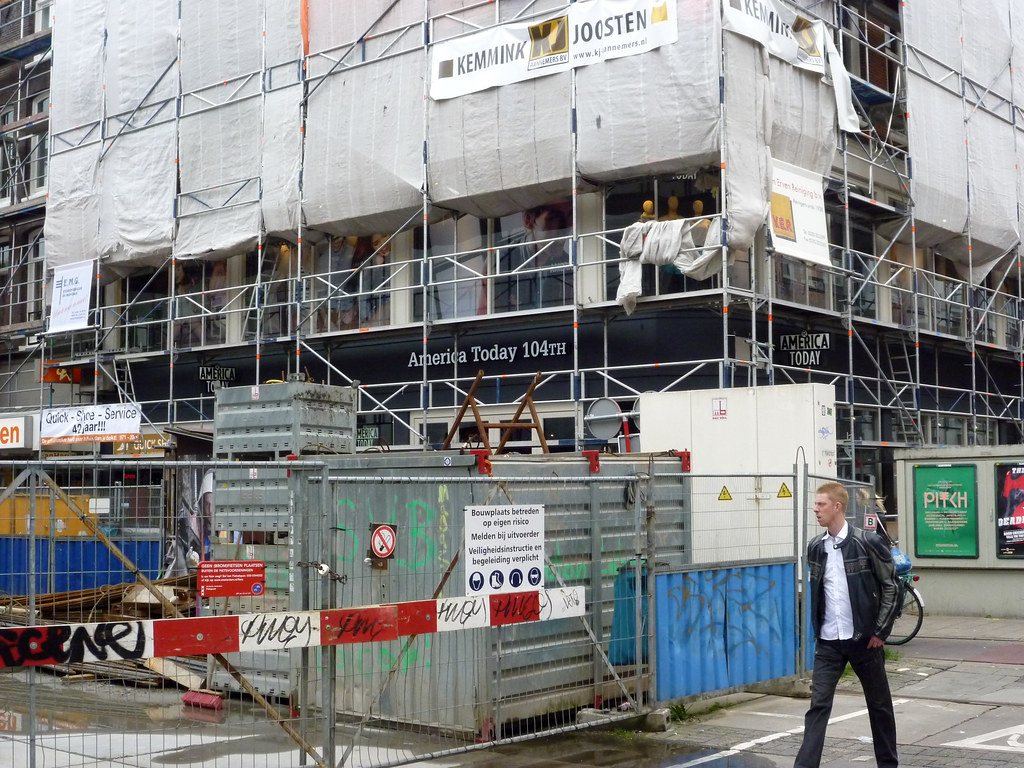
A fixed line takes weeks to arrive and the site may only last months. ThingSIM connects cabins, cameras, gates and plant from the first day, and moves on with them to the next job.
What the kit needs
Online on day one
A 4G router with a SIM in the cabin connects the site office as soon as it's powered. No line order, no install date.
Everything on site
Cameras, access control and plant telematics each take a SIM, or share the cabin router's connection.
Moves with the job
When the site closes the kit and its SIMs move on. Pause SIMs between jobs from the portal.
How it connects
5 GB, Ireland multi-network, one SIM per cabin router.
Busy site offices can use more than any plan here; talk to us about a site with several users.
Questions people ask
How do I get internet in a site cabin?
Put a ThingSIM in a 4G router in the cabin and the site office is online as soon as it is powered. There is no line to order and no install date to wait for.
How much data does a site office need?
We suggest starting on 5 GB, at €8.99 a month, per cabin router. Busy site offices can use more than any plan here; talk to us about a site with several users.
Can cameras and gates share the cabin's SIM?
Yes. Cameras, access control and plant telematics can each take a SIM, or share the cabin router's connection.
What happens to the SIMs when the site closes?
The kit and its SIMs move on to the next job. A paused SIM is still billed, so cease any SIM you will not reuse soon; a new SIM is €2.49 when you need one again.