 Tested with ThingSIM
Digi routers and gateways, tested with ThingSIM.
Digi's IX, EX and TX routers run Digi Accelerated Linux and are managed from Digi Remote Manager. A ThingSIM connects once its APN is set on the modem, on the router or in a Remote Manager profile.
Setting up a ThingSIM in Digi Accelerated Linux (the local web interface) and Digi Remote Manager
The APN goes in Network → Interfaces → Modem → APN Selection. Copy it from the SIM's page in the ThingSIM portal; there is no username or password.
- Activate the SIM in the ThingSIM portal, then insert it in SIM1 with the router powered off.
- Open System → Device Configuration in the web UI, or the device's Settings in Digi Remote Manager.
- Go to Network → Interfaces → Modem and expand APN Selection. Choose Custom APN list only.
- Add an APN entry with the APN from the portal and set Authentication method to None.
- Check Roaming is enabled on the same interface. It is on by default and a ThingSIM needs it.
- Click Apply, then check Status → Modems for signal and connection state.
Two SIMs for failover
Two-SIM models choose the slot under the modem's Active SIM slot setting (Any, SIM1 or SIM2), with a preferred slot when set to Any. SIM failover on the WWAN interface is on by default, and SureLink can also switch to the other SIM.
Checking it works
Status → Modems and the dashboard's cellular panel show signal and connection. Digi Remote Manager reports data usage across a fleet.
More help
APN settings, signal but no data and setting up a 4G router.
Digi models that work with ThingSIM
Every model below is compatible and tested with ThingSIM. Older models no longer sold are marked; plenty are still in service and work the same way.
IX
Tested with ThingSIM
 Tested with ThingSIM
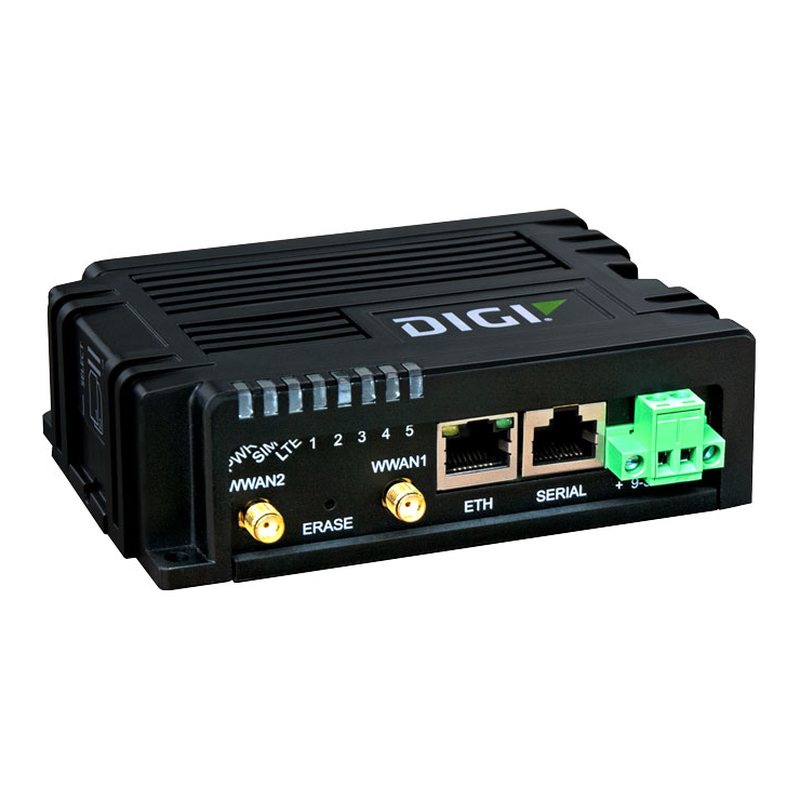
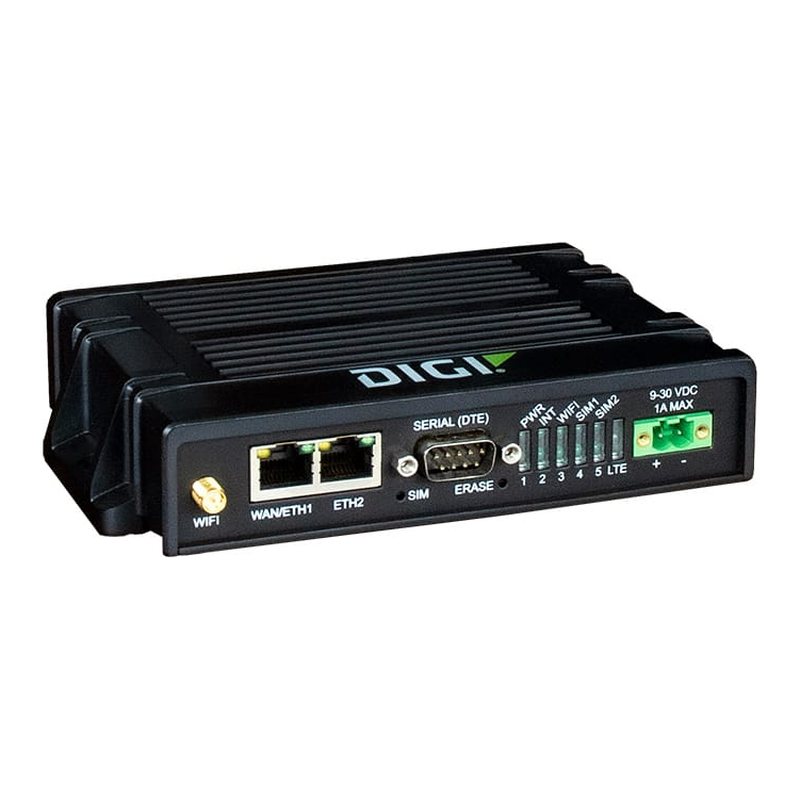
Digi IX20 / IX20W
4G LTE Cat 4 / LTE-A Cat 7 · 2 × Mini SIM Versatile rugged LTE router for critical infrastructure.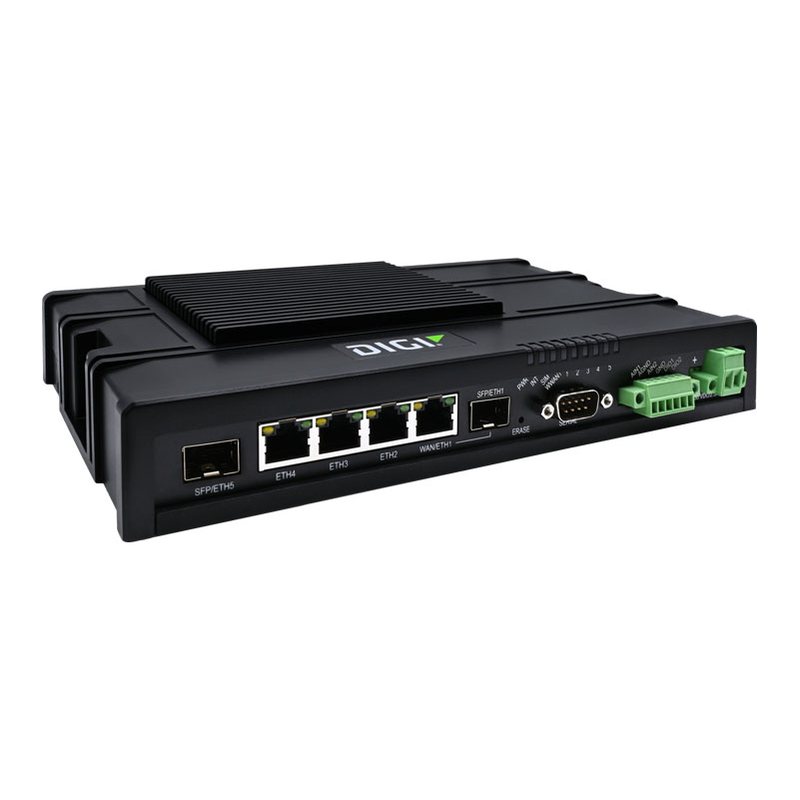 Tested with ThingSIM
Digi IX40
5G NR · 2 SIM slots 5G edge-compute router for Industry 4.0.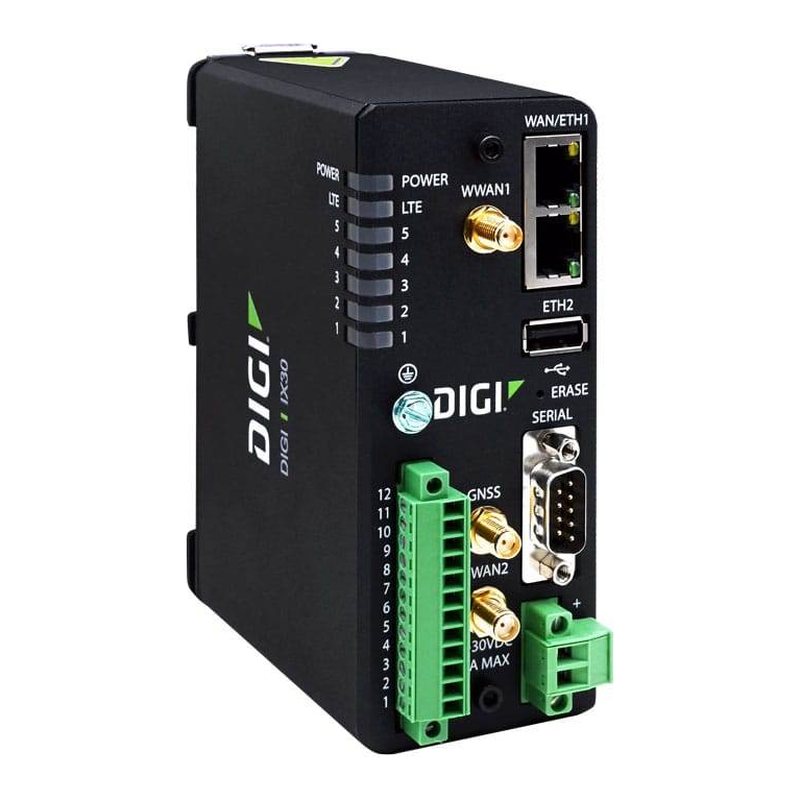 Tested with ThingSIM
Digi IX30
4G LTE Cat 4 / LTE-A Cat 7 · 2 × Mini SIM Hardened router for utilities and critical infrastructure (GNSS).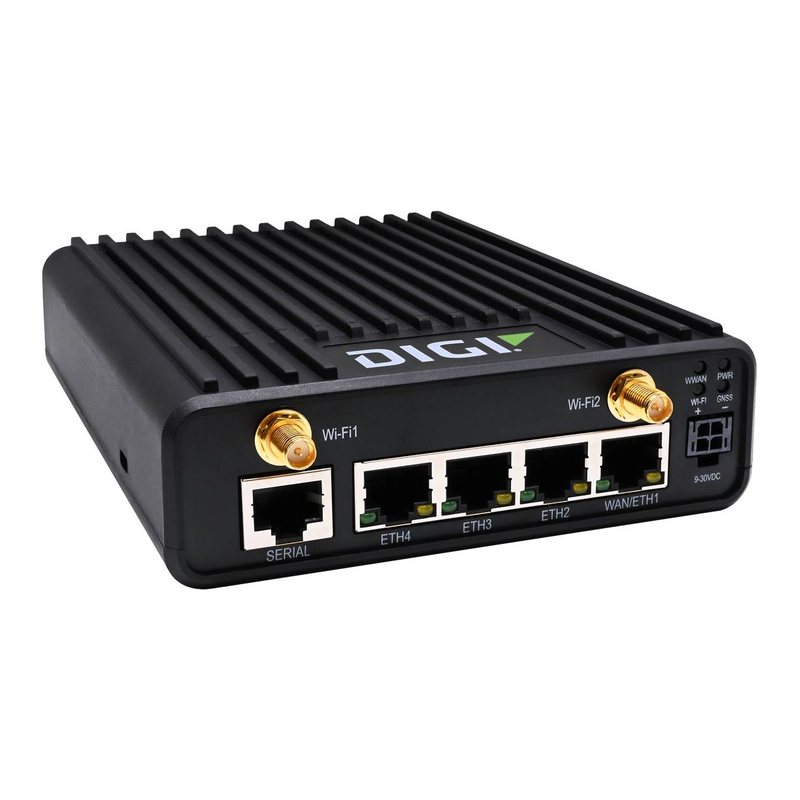 Tested with ThingSIM
Digi IX25
5G / 5G RedCap / LTE Cat 4 · 2 × Nano SIM Rugged 5G platform with edge compute.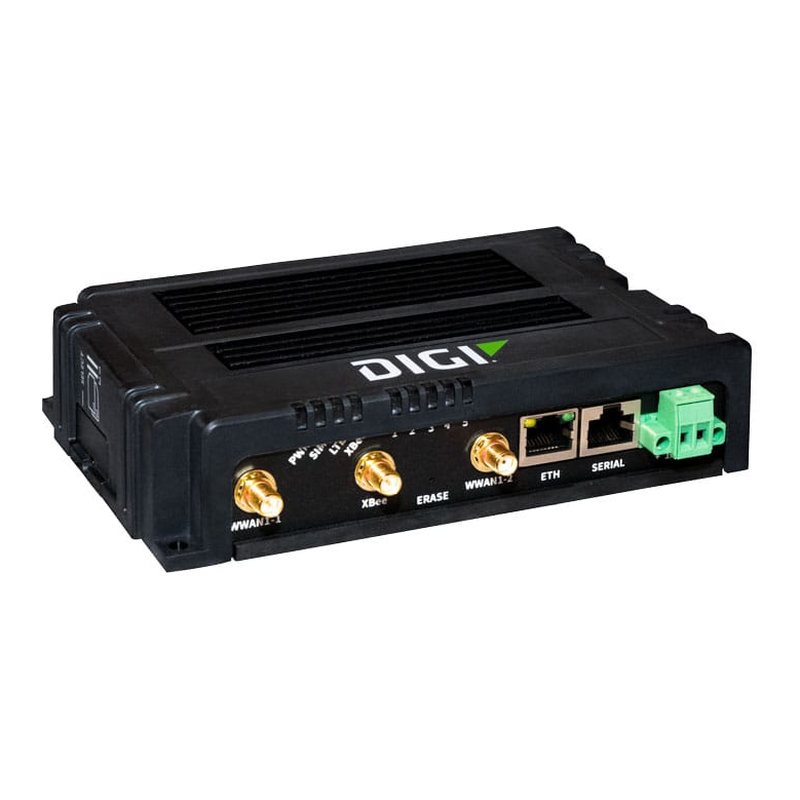 Tested with ThingSIM
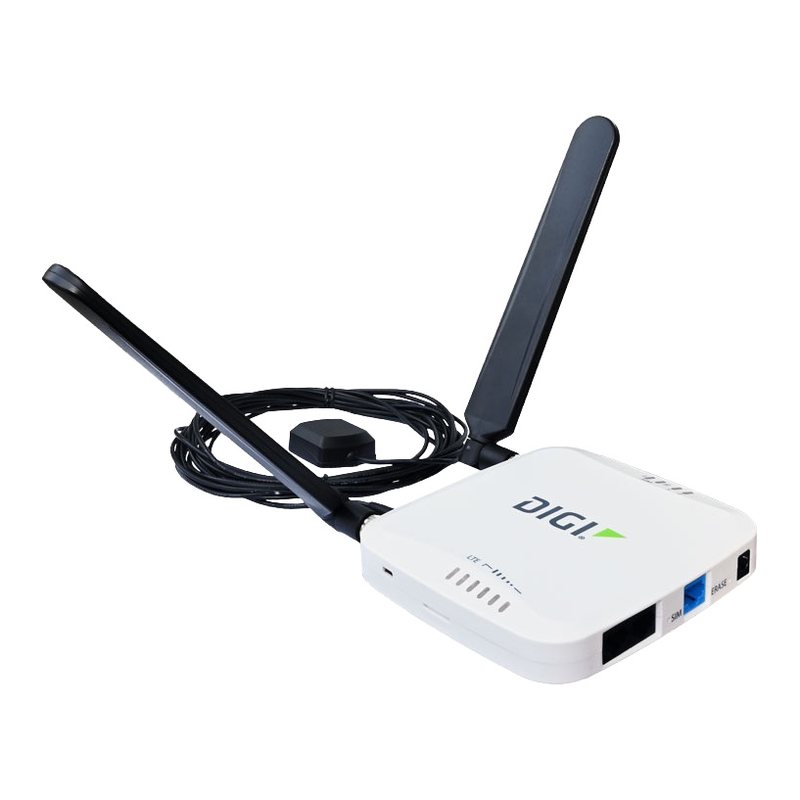
Digi IX15
4G LTE Cat 4 · 2 × Mini SIM Programmable gateway bridging XBee devices to the cloud.EX
 Tested with ThingSIM
Digi EX15 / EX15W
4G LTE-A Cat 7 · 2 × Mini SIM All-in-one branch/kiosk LTE router.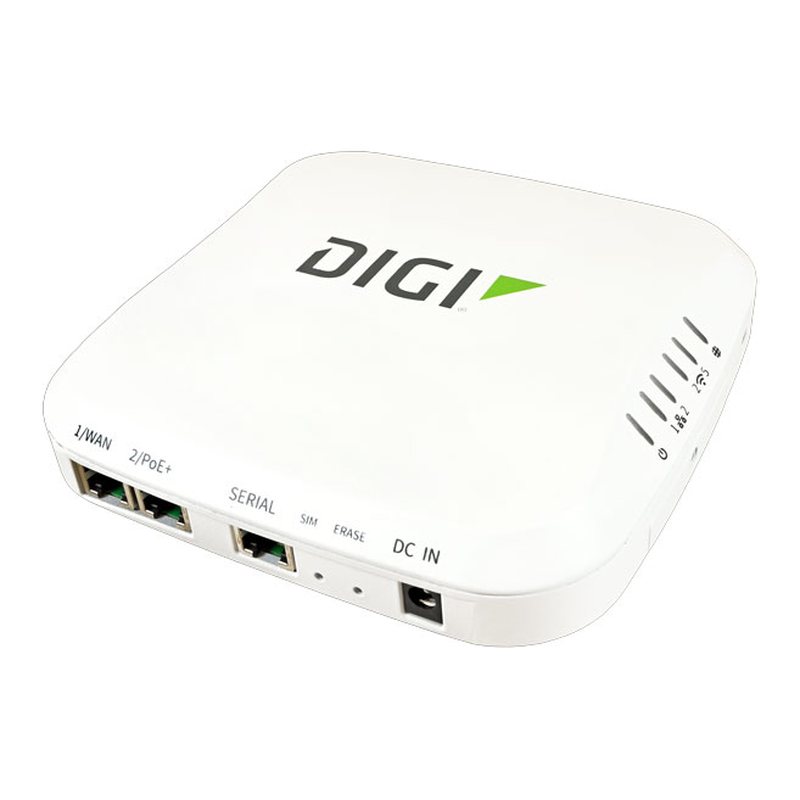 Tested with ThingSIM
Digi EX50
5G NR · 2 × Mini SIM 5G primary or backup enterprise router.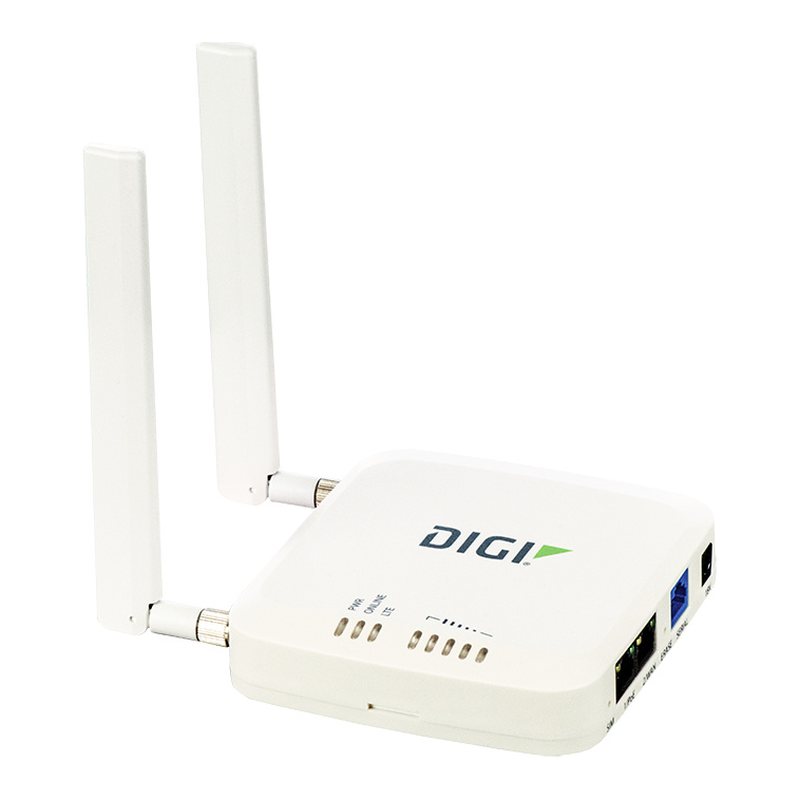 Tested with ThingSIM
Digi EX12
4G LTE Cat 4 · 2 × Mini SIM LTE cellular extender for primary/backup branch WAN.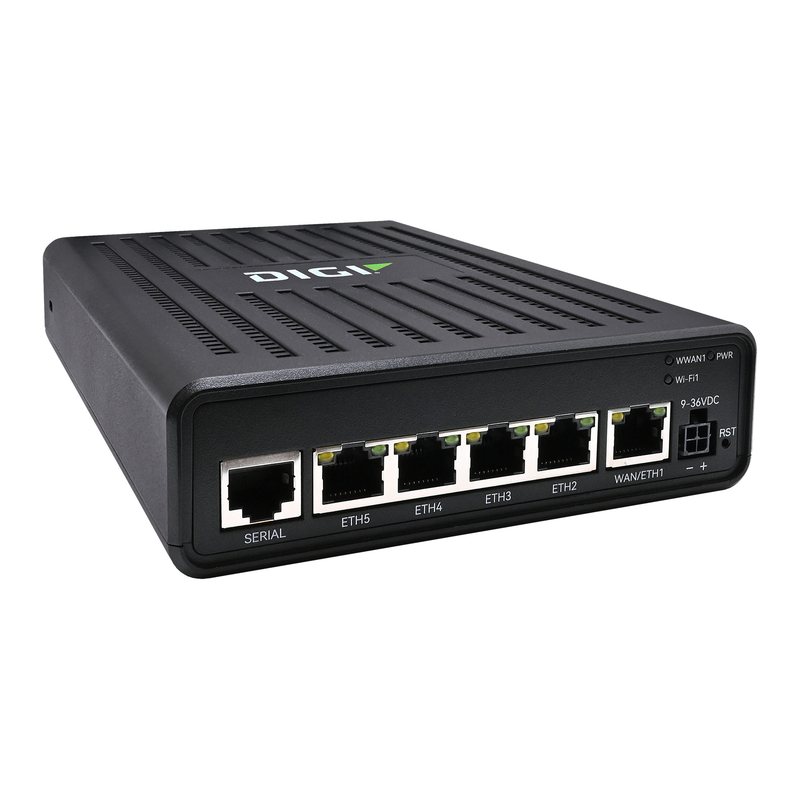 Tested with ThingSIM
Digi EX60
5G NR · 2 × Nano SIM Next-gen 5G branch router with 2.5 GbE.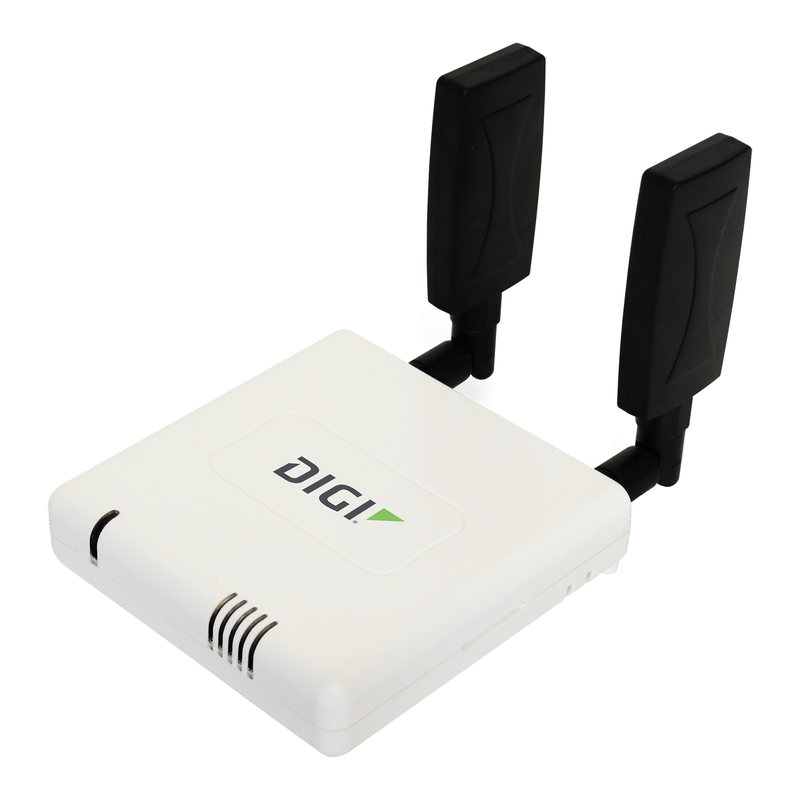 Tested with ThingSIM
Digi 6300-CX
4G LTE Cat 3 LTE cellular extender for business continuity.TX
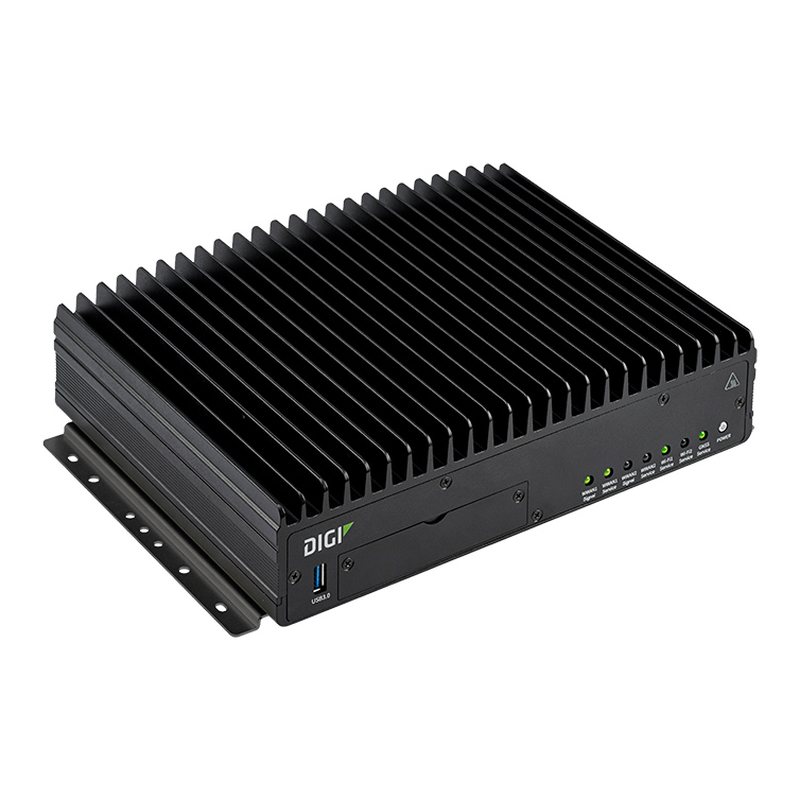 Tested with ThingSIM
Digi TX64
5G or LTE-A Pro · Several SIM slots Dual-redundant transit router.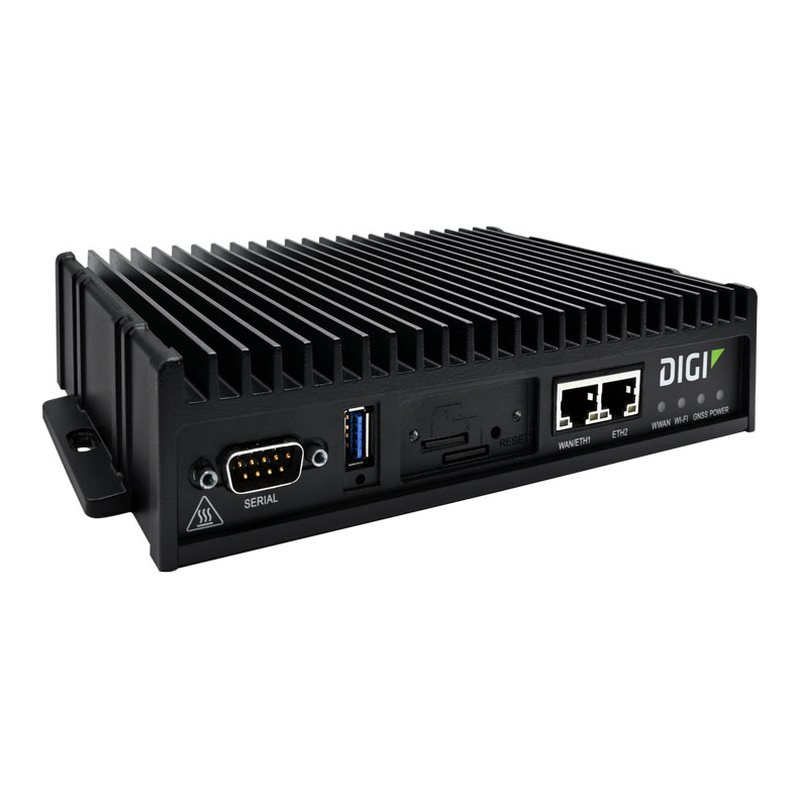 Tested with ThingSIM
Digi TX40
5G NR 5G hub for public safety and fleet vehicles.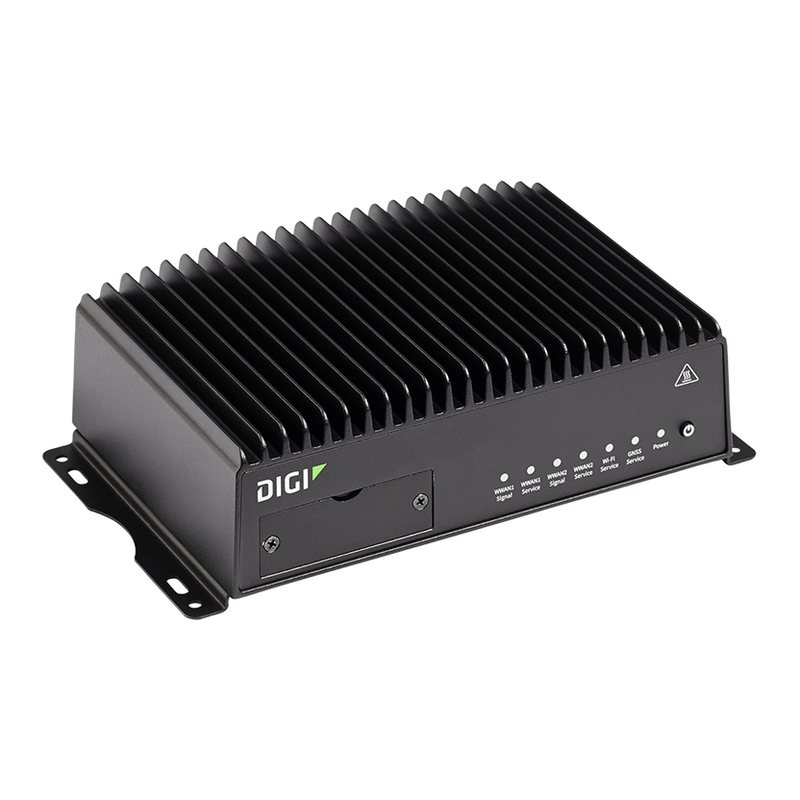 Tested with ThingSIM
Digi TX54
5G or LTE-A · Several SIM slots Rugged transit/public safety router.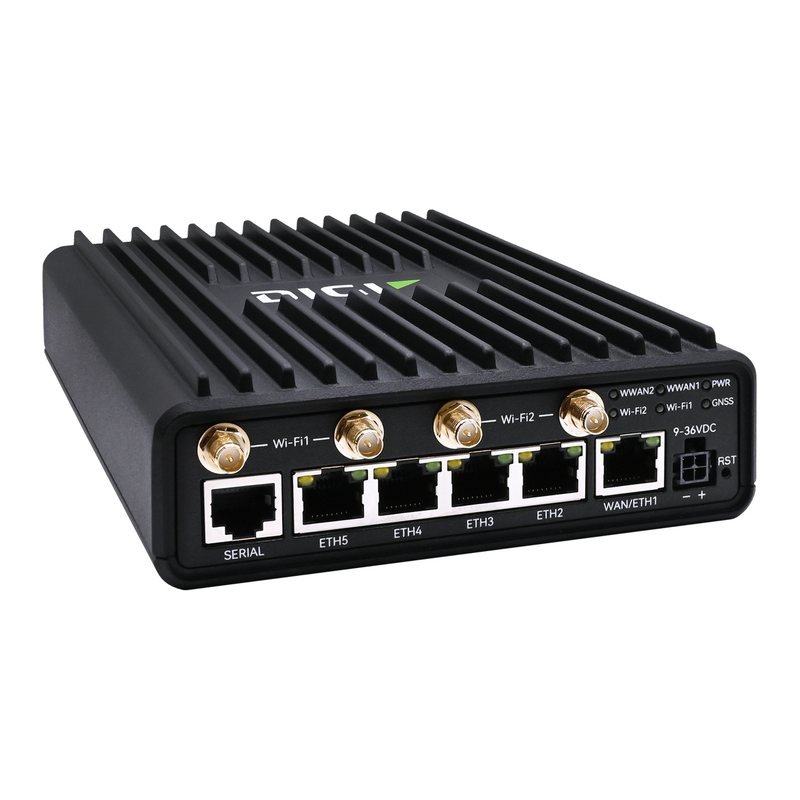 Tested with ThingSIM
Digi TX65
5G NR · Several SIM slots New 5G vehicle router family for fleet/transit/public safety.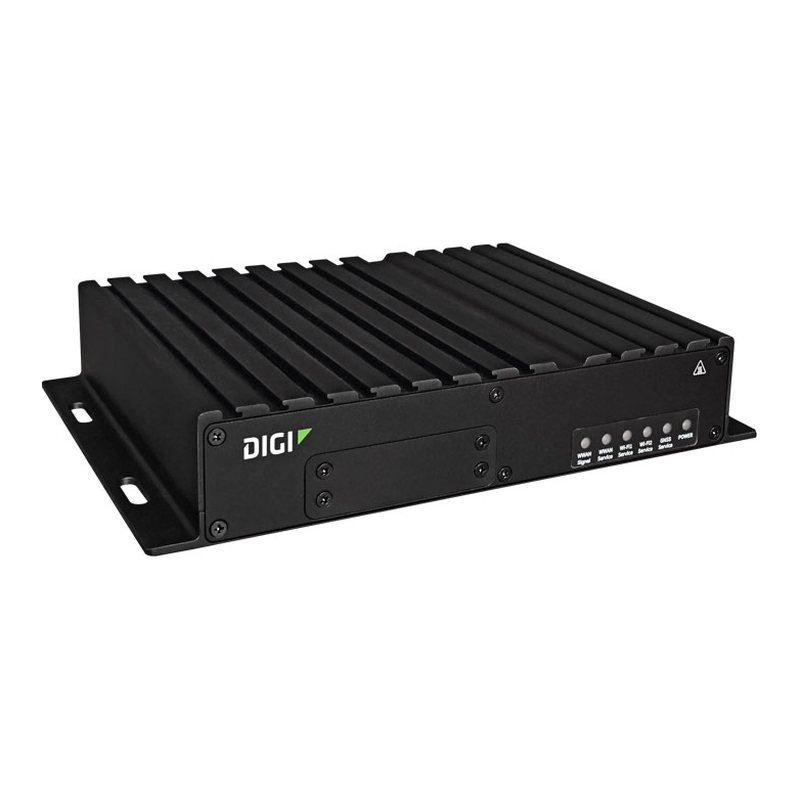 Tested with ThingSIM
Digi TX64 Rail
5G NR · Several SIM slots EN 50155 rail router.Connect IT
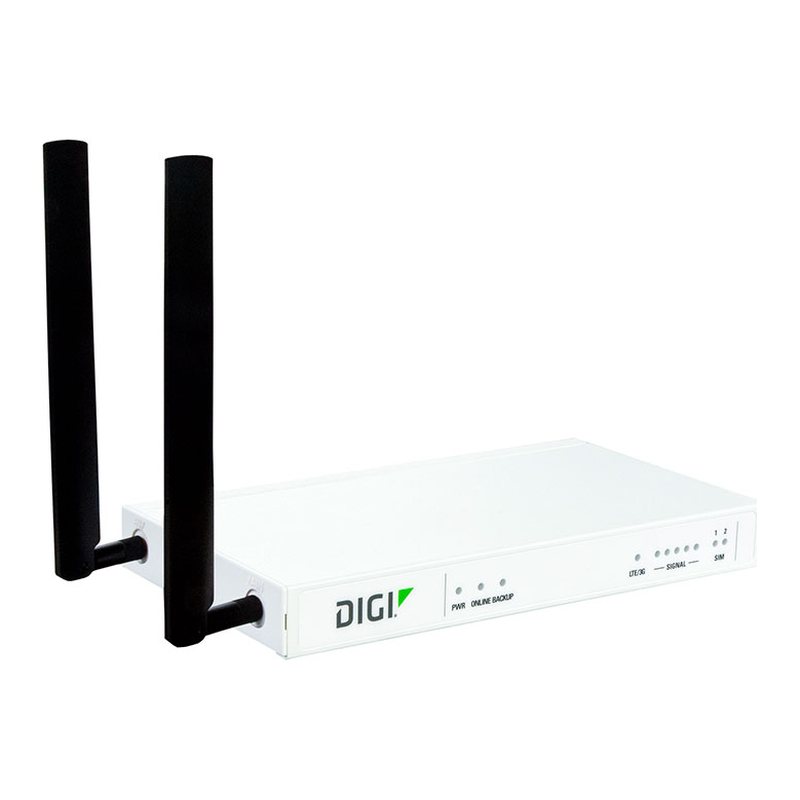 Tested with ThingSIM
Digi Connect IT 4
4G LTE Cat 4 Out-of-band console server with LTE.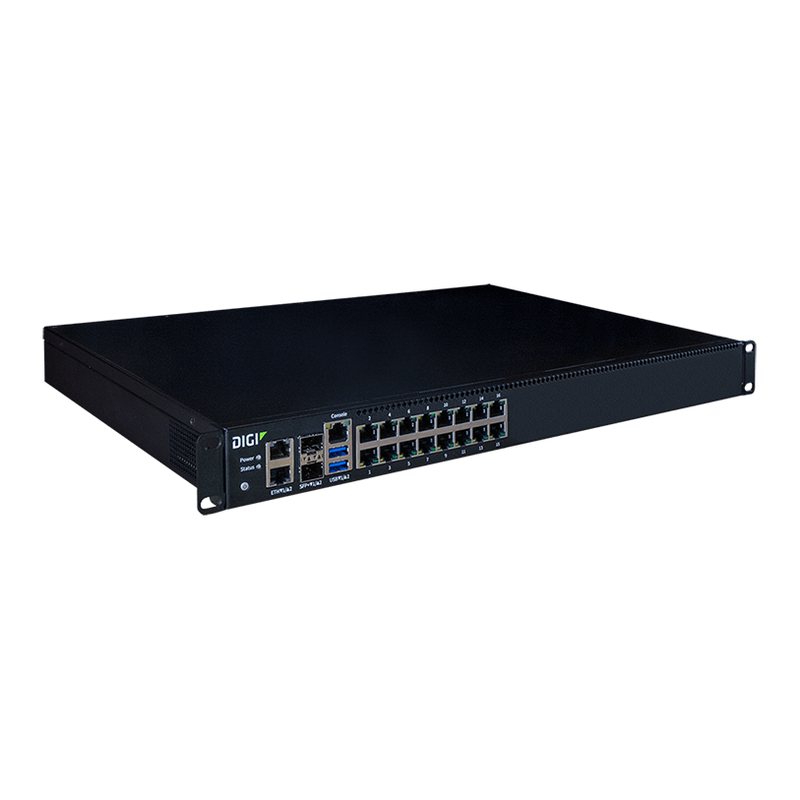 Tested with ThingSIM
Digi Connect IT 16/48
4G LTE Cat 4 · 2 SIM slots Rack console server with LTE out-of-band.Sensor
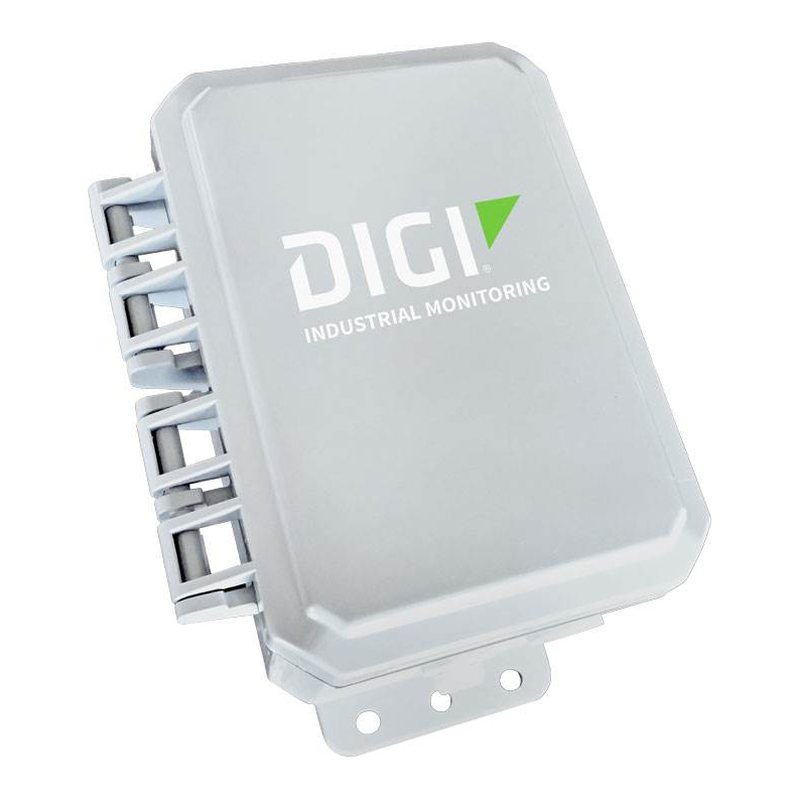 Tested with ThingSIM
Digi Connect Sensor XRT-M
LTE-M / NB-IoT · 1 × Mini SIM Battery telemetry monitor for tanks, pumps, utilities (IP68).Older models
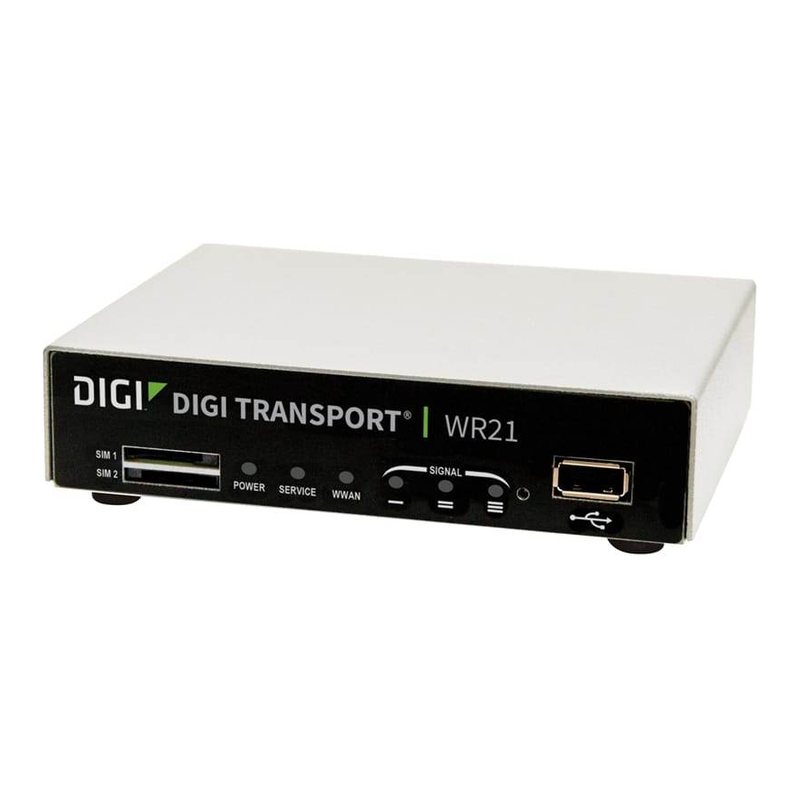 Tested with ThingSIM
No longer sold
Tested with ThingSIM
No longer sold
Digi WR21
3G/4G LTE Classic industrial router, very widely deployed.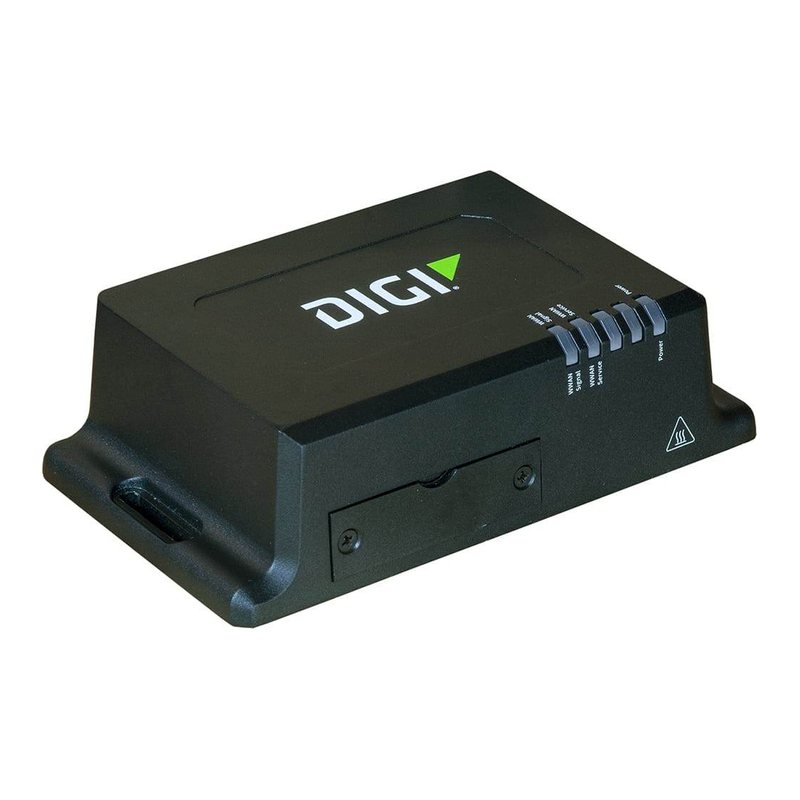 Tested with ThingSIM
No longer sold
Tested with ThingSIM
No longer sold
Digi IX14
4G LTE Cat 4 / LTE-M Industrial LTE router.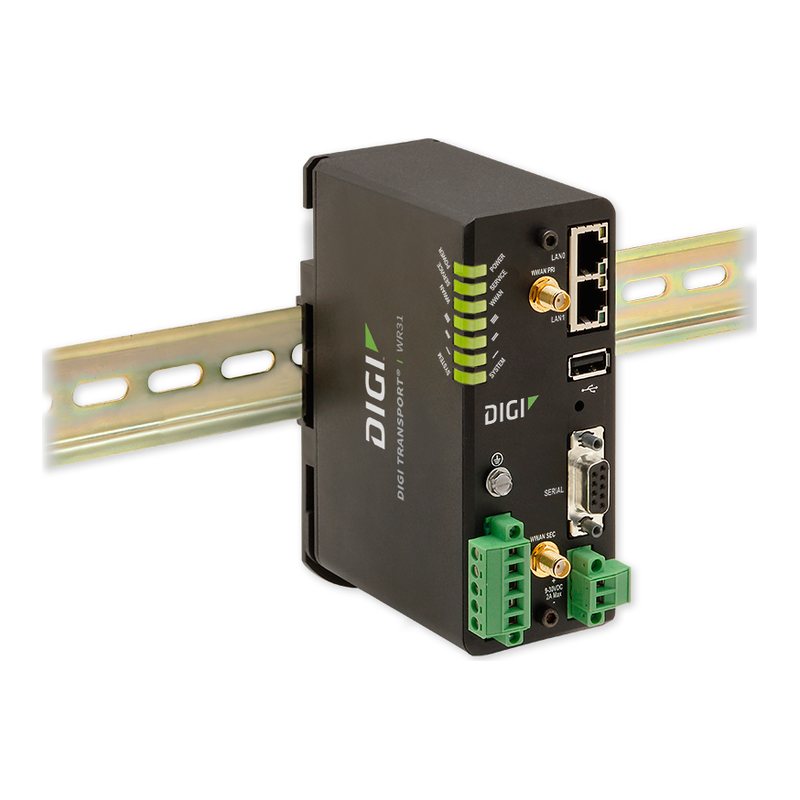 Tested with ThingSIM
No longer sold
Tested with ThingSIM
No longer sold
Digi WR31
4G LTE Compact industrial router.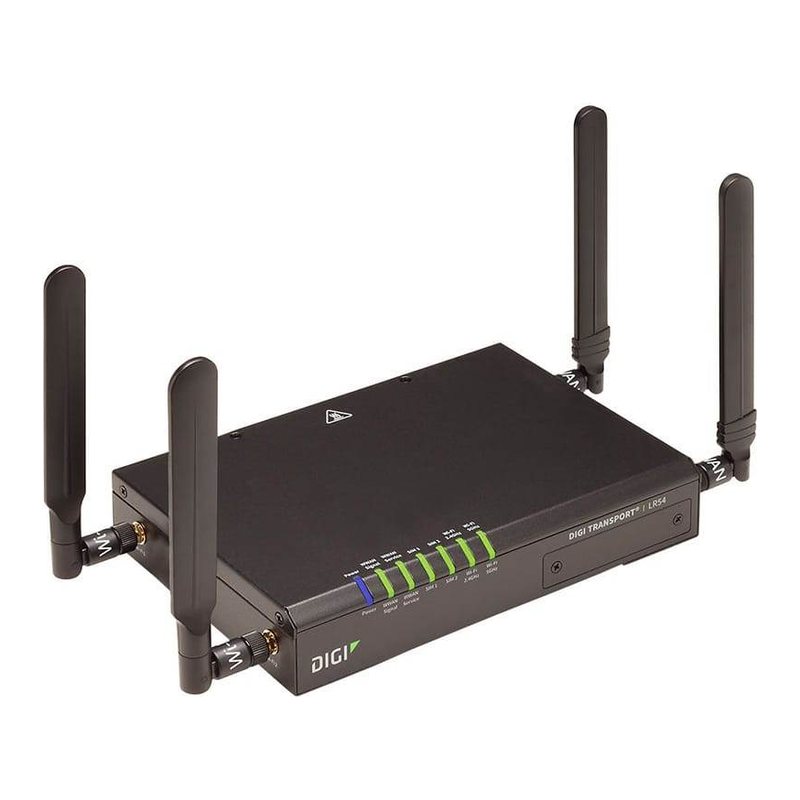 Tested with ThingSIM
No longer sold
Tested with ThingSIM
No longer sold
Digi LR54
4G LTE-A Enterprise LTE-A router.Questions people ask
Does a ThingSIM work in a Digi IX10 or IX20?
Yes. Insert the SIM, set the APN from the portal on the modem and the router connects on the strongest UK network.
Can I set the APN for many Digi routers at once?
Yes. Put the APN in a Digi Remote Manager configuration profile and apply it to the fleet.
A good place to start
UK 4-network, 250 MB a month
Roams across all four UK networks and uses whichever is strongest where the device is.
Compare every plan250 MB
UK 4-network
£1.20a month per active SIM, ex VAT
Order 250 MB