 Tested with ThingSIM
Netgear routers and gateways, tested with ThingSIM.
Netgear's LTE modems and Orbi routers are often used as a backup line, and Nighthawk M mobile routers travel with kit. A ThingSIM connects once its APN is set in the mobile settings.
Setting up a ThingSIM in the Netgear device web page or app
The APN goes in Settings → Mobile → APN (Orbi LBR20: Advanced → Setup → Internet Setup). Copy it from the SIM's page in the ThingSIM portal; there is no username or password.
- Activate the SIM in the ThingSIM portal, then insert it.
- Open Settings → Mobile → APN. On the Orbi LBR20 go to Advanced → Setup → Internet Setup → Mobile Broadband Settings.
- Add a profile named ThingSIM with the APN from the portal and no authentication, username or password.
- Save, and on the LM1200 select the new profile to make it active.
- Turn data roaming on. A ThingSIM always connects as a roaming SIM.
- The home screen or dashboard then shows the connection and signal.
Two SIMs for failover
These models take one SIM. The LM1200 and Orbi LBR can act as a backup line behind your main router.
Checking it works
The device's home screen or web dashboard shows signal and connection state, and the ThingSIM portal shows usage.
More help
APN settings, signal but no data and setting up a 4G router.
Netgear models that work with ThingSIM
Every model below is compatible and tested with ThingSIM. Older models no longer sold are marked; plenty are still in service and work the same way.
Nighthawk M-series hotspot
Tested with ThingSIM
 Tested with ThingSIM
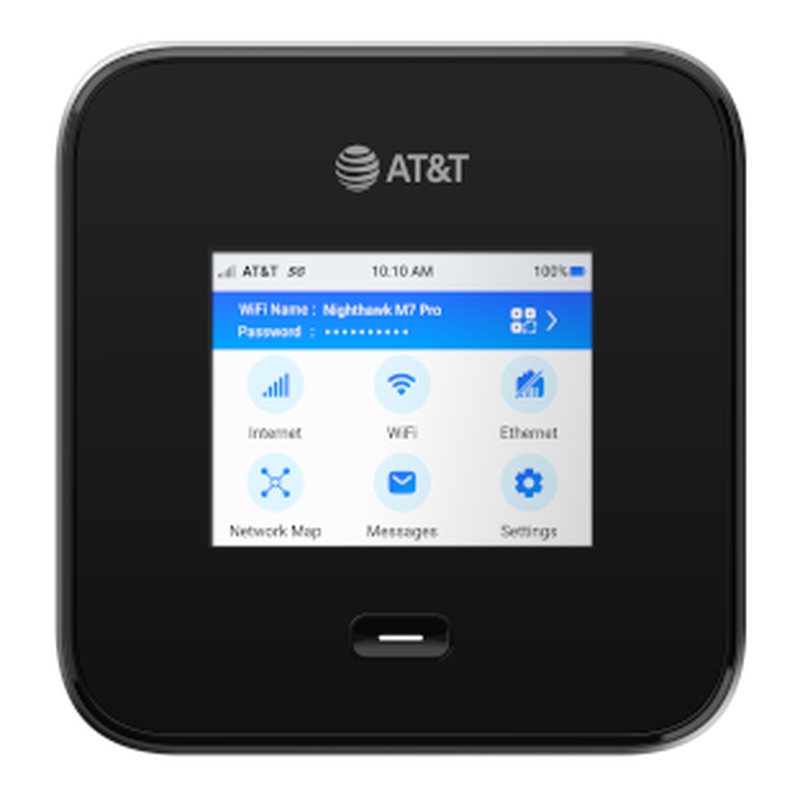
Nighthawk M7 Pro (MR7400)
5G NR + LTE · 1 SIM slot Carrier (AT&T) Wi-Fi 7 5G hotspot/router.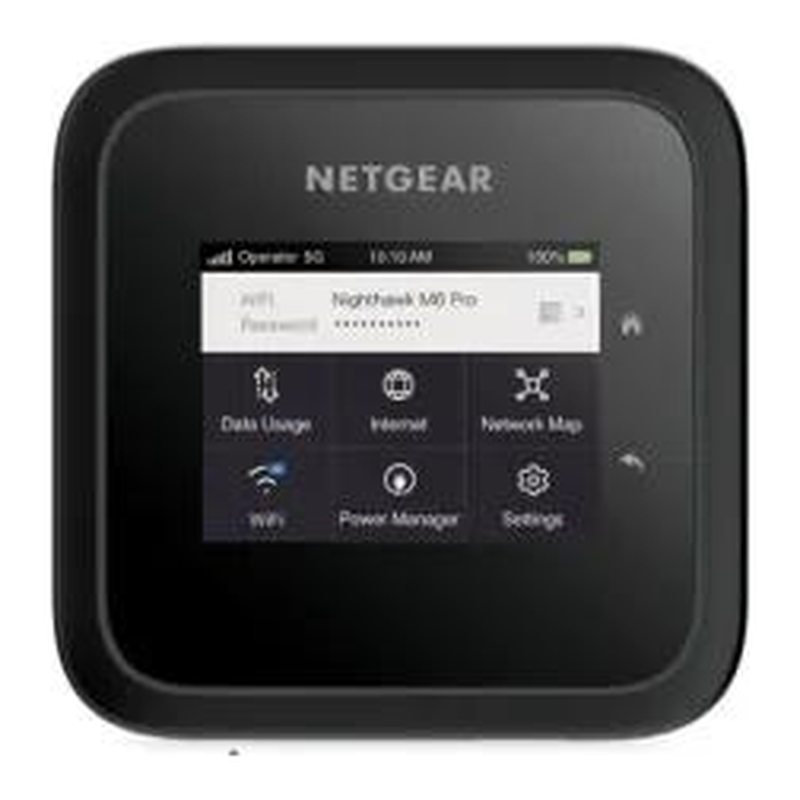 Tested with ThingSIM
Nighthawk M6 Pro (MR6550)
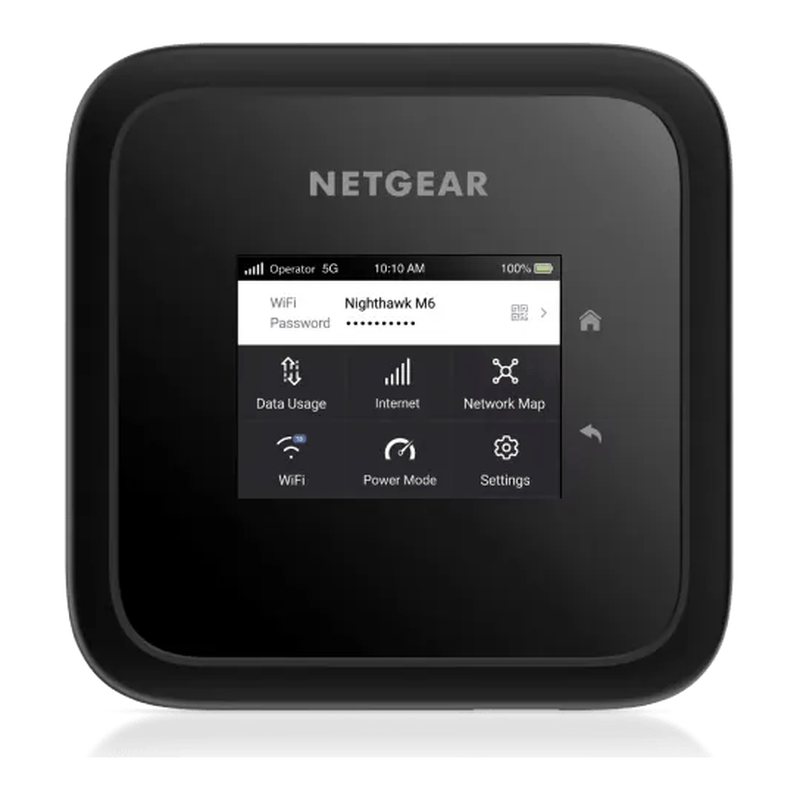
5G NR + LTE · 1 SIM slot Unlocked 5G mmWave hotspot/router with Ethernet.Nighthawk M7 (MH7150)
5G NR + LTE · 1 SIM slot + eSIM Wi-Fi 7 5G travel hotspot with global eSIM data.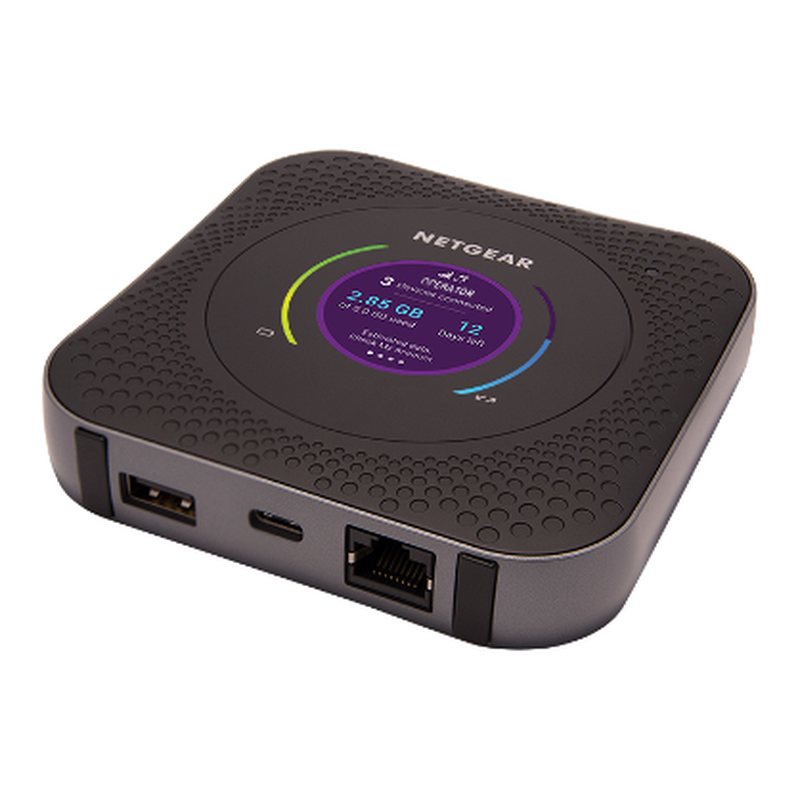 Tested with ThingSIM
No longer sold
Tested with ThingSIM
No longer sold
Nighthawk M1 (MR1100)
4G LTE Cat 16 · 1 SIM slot Gigabit LTE hotspot/router, still widely deployed.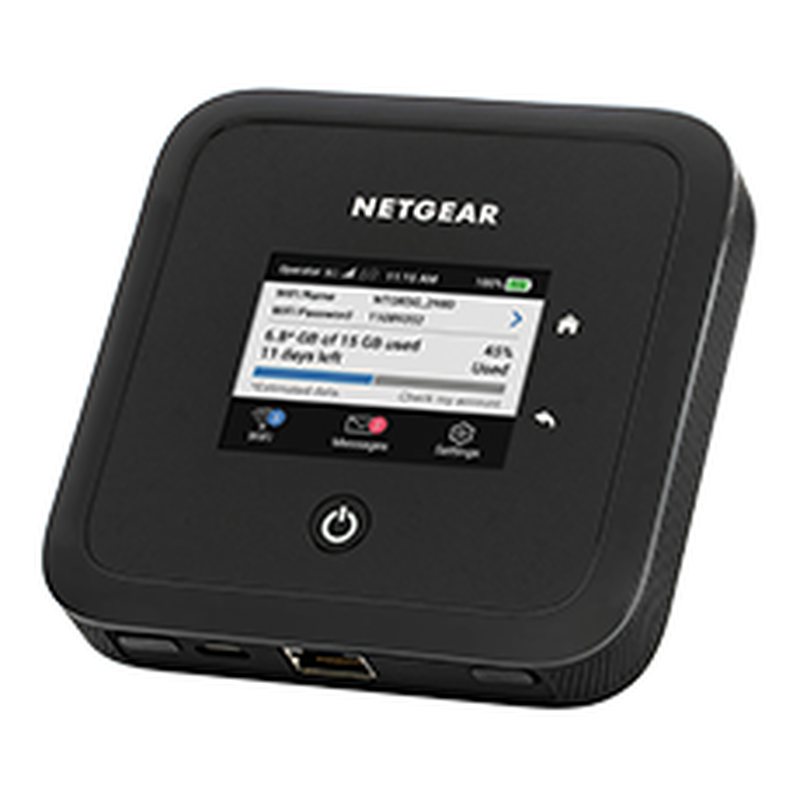 Tested with ThingSIM
No longer sold
Tested with ThingSIM
No longer sold
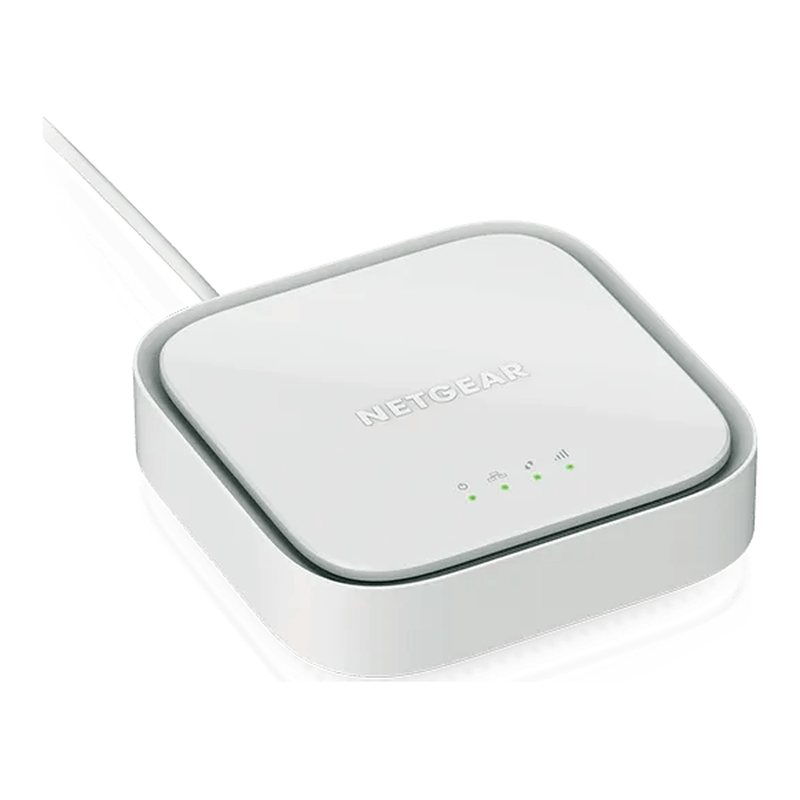
Nighthawk M5 (MR5200)
5G NR + LTE · 1 SIM slot 5G hotspot/router, still widely deployed.LTE modem
 Tested with ThingSIM
LM1200
4G LTE Cat 4 · 1 SIM slot LTE modem (Ethernet out) for primary or failover internet behind an existing router.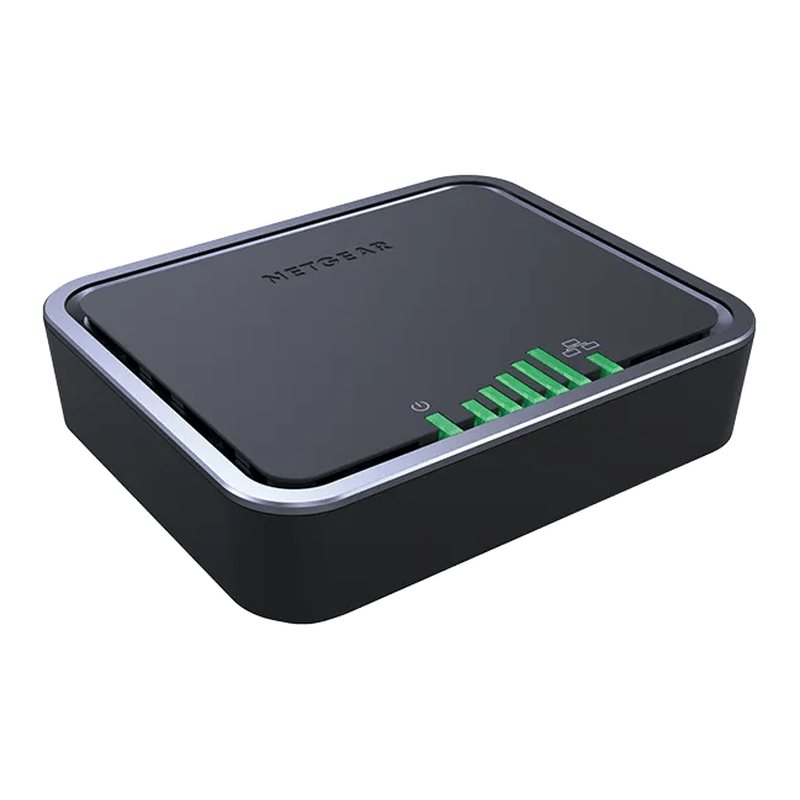 Tested with ThingSIM
LB1120
4G LTE Cat 4 · 1 SIM slot LTE modem with Ethernet for failover/primary.Orbi LTE
 Tested with ThingSIM
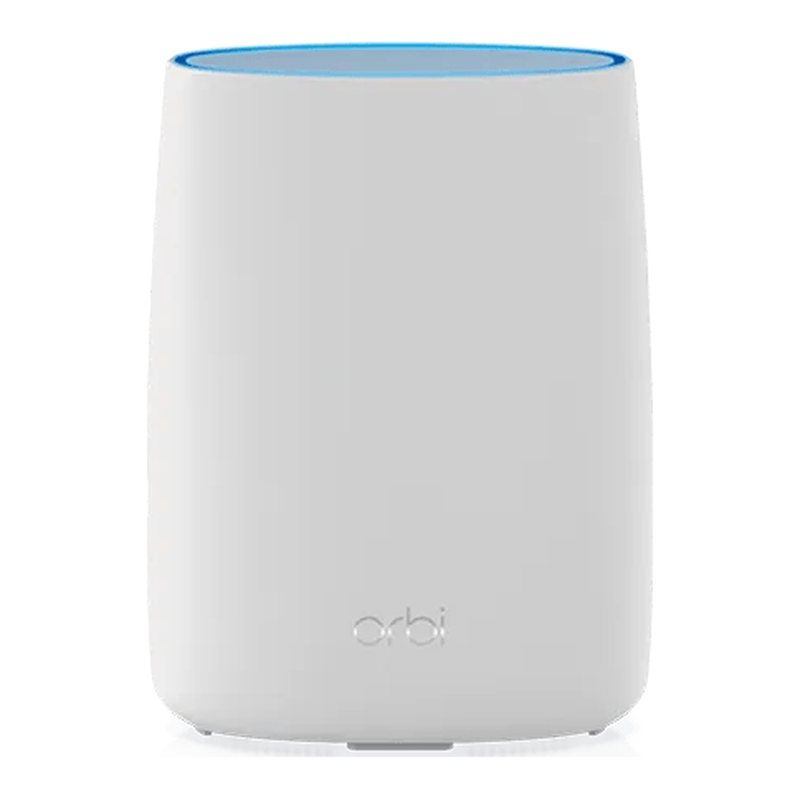
Orbi LBR20
4G LTE Cat 18 · 1 SIM slot Orbi mesh router with built-in 4G LTE, extendable with Orbi satellites.LTE router
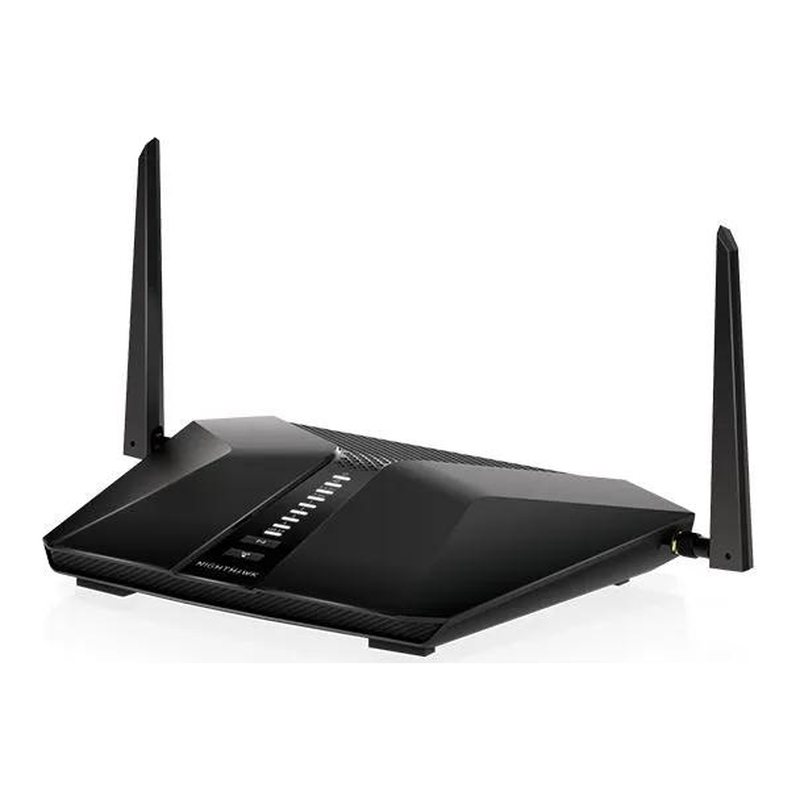 Tested with ThingSIM
Nighthawk LAX20
4G LTE-Advanced · 1 SIM slot Unlocked 4G LTE router with Wi-Fi 6 for home/office.Questions people ask
Does a ThingSIM work in a Netgear LM1200?
Yes. Set the APN from the portal in the mobile settings, allow roaming, and the modem connects as a backup line behind your router.
Is ThingSIM right for a Nighthawk hotspot?
For kit such as cameras, card machines or event equipment, yes. ThingSIM plans go up to 5 GB a month, so for laptops and streaming a consumer plan with a larger allowance fits better.
A good place to start
UK 4-network, 5 GB a month
Roams across all four UK networks and uses whichever is strongest where the device is.
Compare every plan5 GB
UK 4-network
£8.85a month per active SIM, ex VAT
Order 5 GB