 Tested with ThingSIM
Ubiquiti UniFi routers and gateways, tested with ThingSIM.
UniFi's mobile units plug into a UniFi gateway as a primary or backup internet connection. A ThingSIM goes in the device and the APN is set in the UniFi Network application.
Setting up a ThingSIM in the UniFi Network application
The APN goes in UniFi Devices → the cellular unit → Settings. Copy it from the SIM's page in the ThingSIM portal; there is no username or password.
- Activate the SIM in the ThingSIM portal and insert it in the unit (the 5G Max takes a nano SIM, or use eSIM).
- Connect the unit to a PoE port and adopt it in the UniFi Network application.
- Choose how it is used, as backup internet over the LAN or, on the 5G Max and 5G Backup, as a primary WAN on WAN1 or WAN2.
- Open UniFi Devices, select the unit and open its settings. Enter the APN from the portal as a custom APN and allow roaming.
- Set a data limit and warning to match your ThingSIM plan.
- The device panel then shows signal and connection state.
Two SIMs for failover
These units take one SIM. Failover happens at the UniFi gateway, which switches to the cellular link when the main line drops.
Checking it works
The unit's panel in UniFi Devices shows signal and connection state, and its data counter can warn before the plan's allowance is used.
More help
APN settings, signal but no data and setting up a 4G router.
Ubiquiti UniFi models that work with ThingSIM
Every model below is compatible and tested with ThingSIM. Older models no longer sold are marked; plenty are still in service and work the same way.
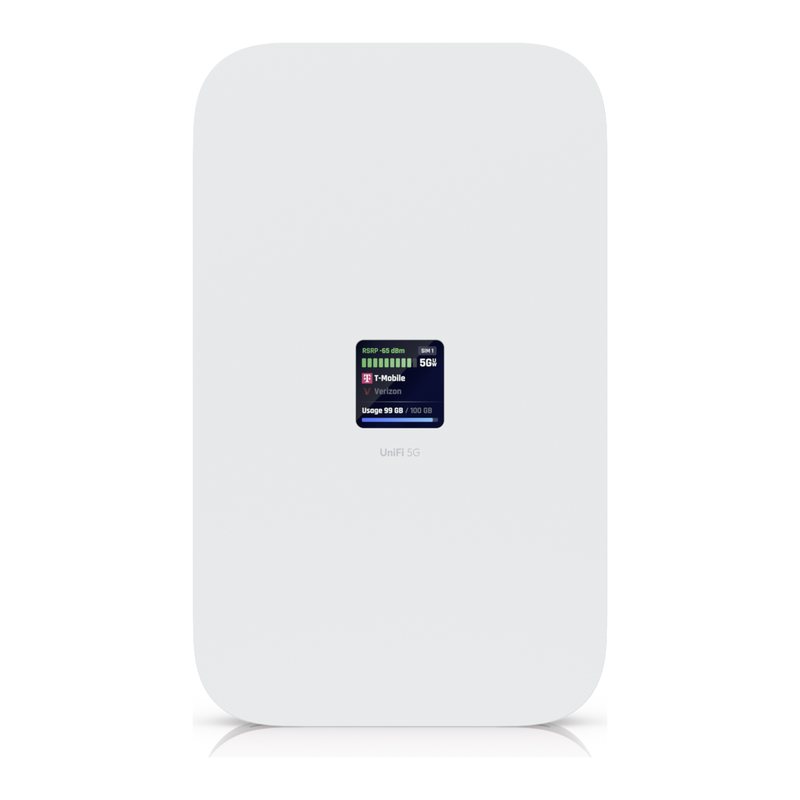
UniFi 5G
Tested with ThingSIM
 Tested with ThingSIM
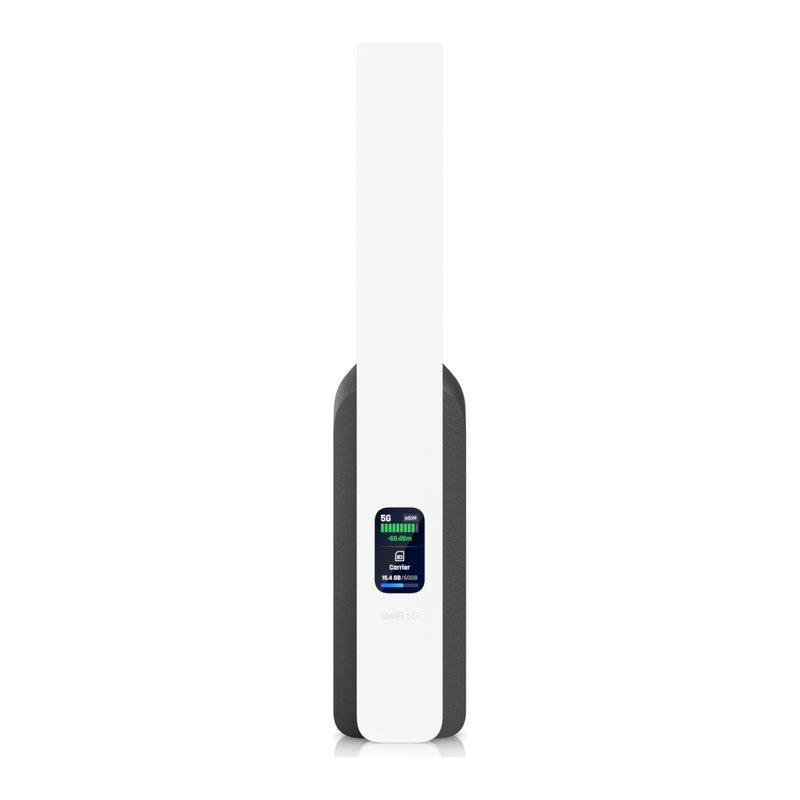
UniFi 5G Backup (U5G)
5G NR + LTE · 1 SIM slot Compact 5G failover WAN for UniFi gateways.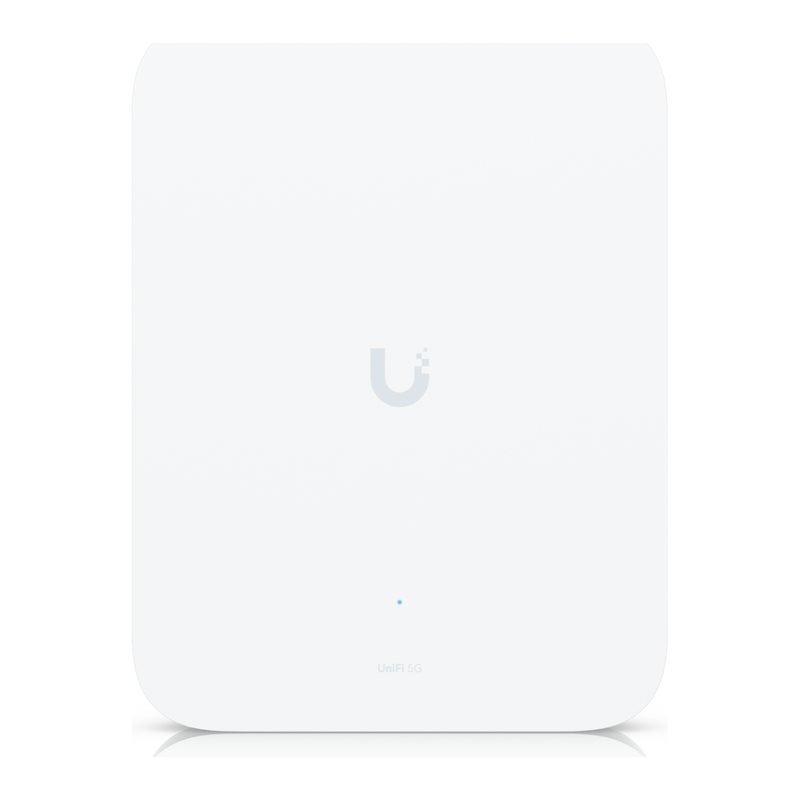 Tested with ThingSIM
UniFi 5G Max Outdoor (U5G-Max-Outdoor)
5G NR + LTE · 1 SIM slot + eSIM Weatherproof (IP67 with gland kit) 5G WAN for UniFi sites.UniFi Mobile Router
 Tested with ThingSIM
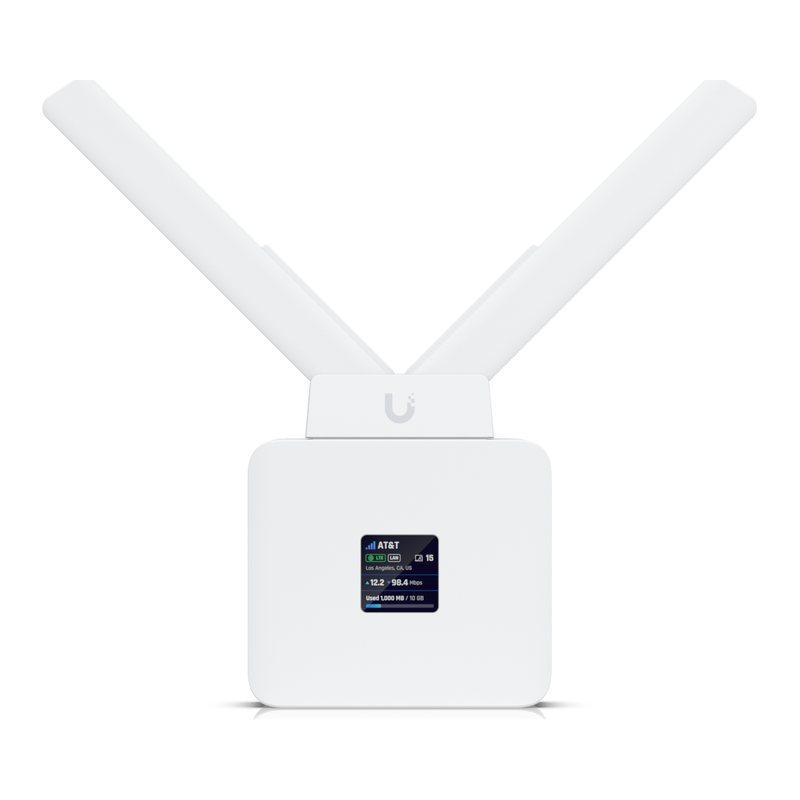
UniFi Mobile Router (UMR)
4G LTE · 1 SIM slot Cloud-managed LTE router for vehicles and remote sites.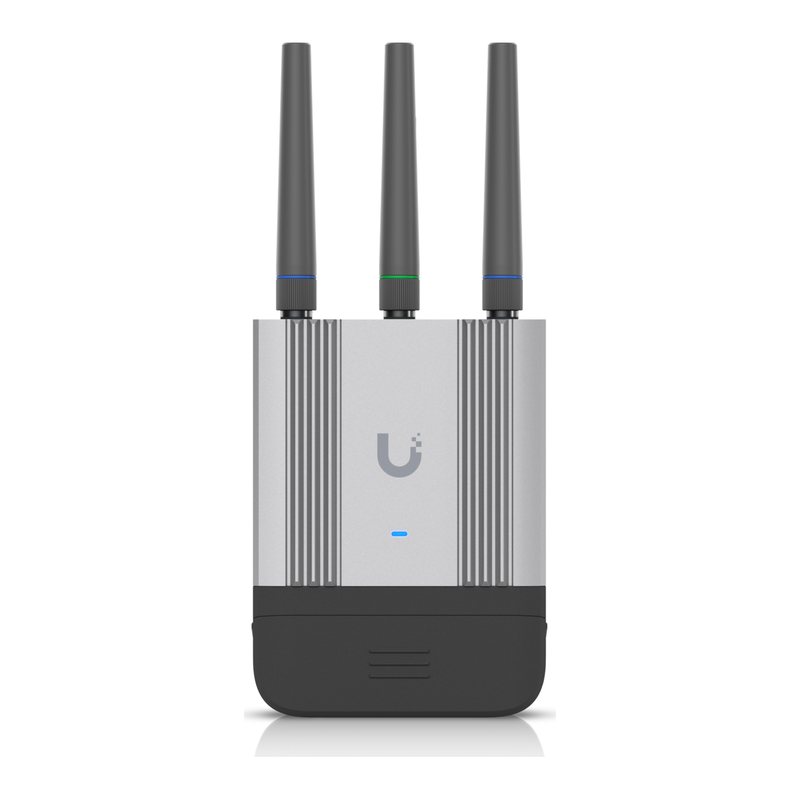 Tested with ThingSIM
Mobile Router Industrial (UMR-Industrial)
4G LTE Cat 4 · 1 SIM slot IP66 rugged LTE router for industrial/outdoor deployments.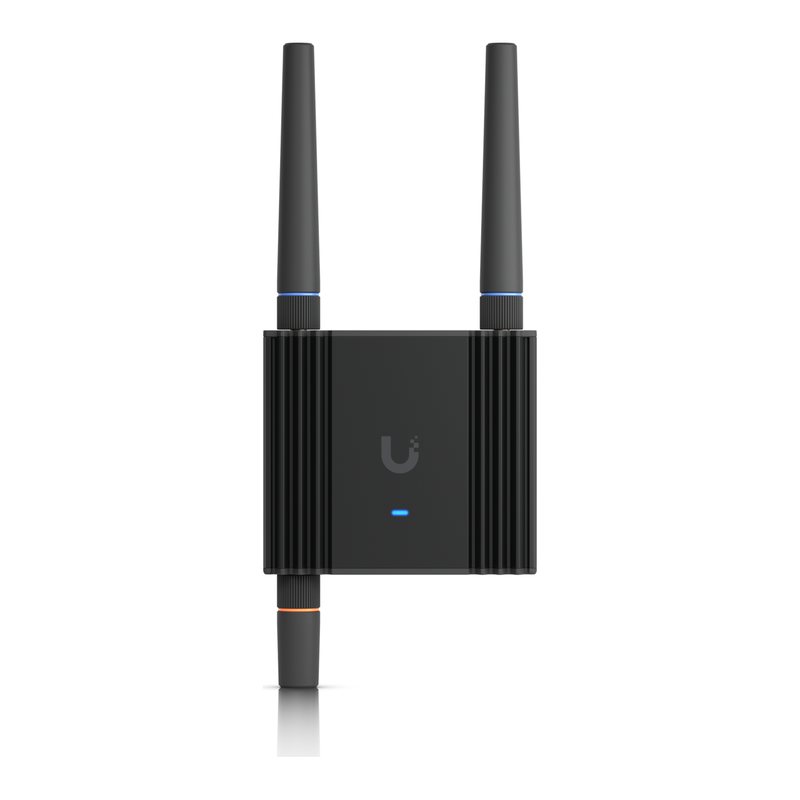 Tested with ThingSIM
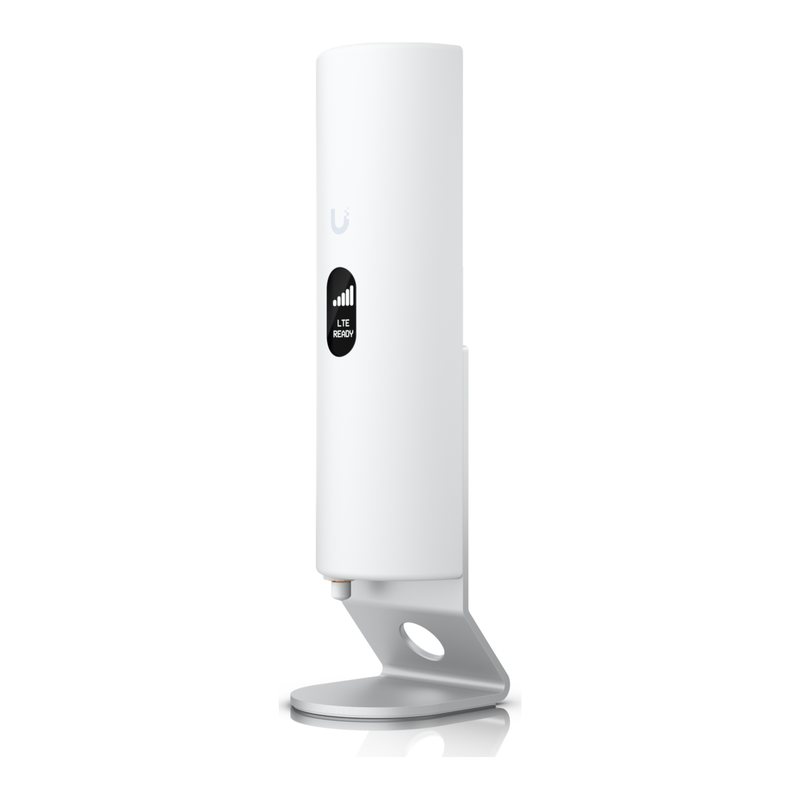
Mobile Router Ultra (UMR-Ultra)
4G LTE · 1 SIM slot Compact cloud-managed LTE router.UniFi LTE Backup
 Tested with ThingSIM
UniFi LTE Backup (U-LTE)
4G LTE · 1 SIM slot Original LTE failover unit for UniFi (US carrier-tied).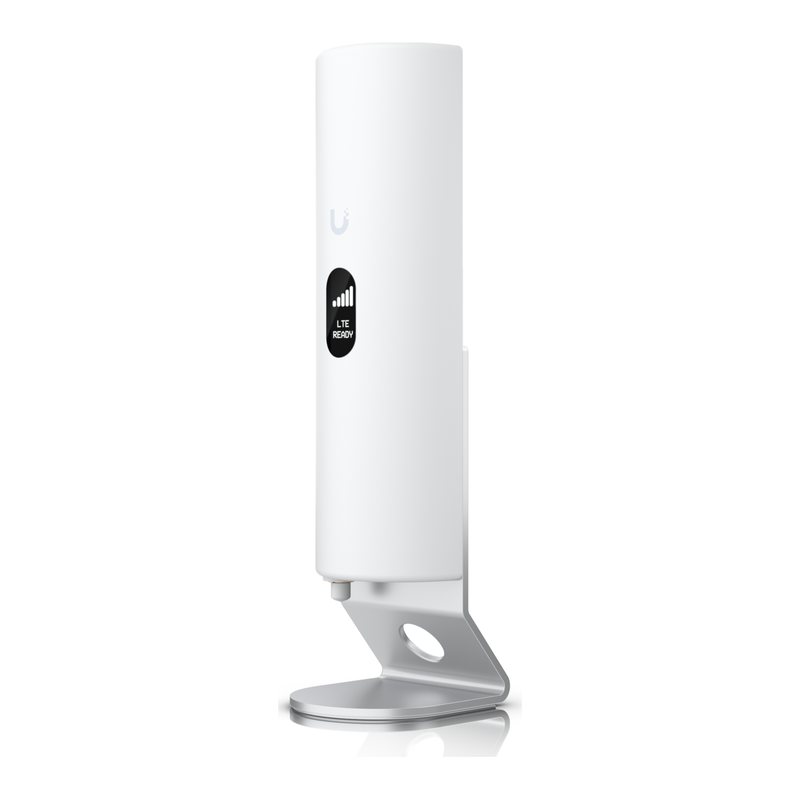 Tested with ThingSIM
UniFi LTE Backup Pro (U-LTE-Pro)
4G LTE · 1 SIM slot LTE failover WAN for UniFi gateways (often bundled with carrier data plan in US).Questions people ask
Does a ThingSIM work in a UniFi 5G Max?
Yes. Insert the SIM, set the APN from the portal in UniFi Network and the unit connects as a primary or failover WAN.
Which plan suits a UniFi backup connection?
A unit that only carries traffic during an outage usually fits in 1 GB or 5 GB a month. 5 GB on UK 4-network is £8.85 a month.
A good place to start
UK 4-network, 5 GB a month
Roams across all four UK networks and uses whichever is strongest where the device is.
Compare every plan5 GB
UK 4-network
£8.85a month per active SIM, ex VAT
Order 5 GB