SIMs for payment terminals.
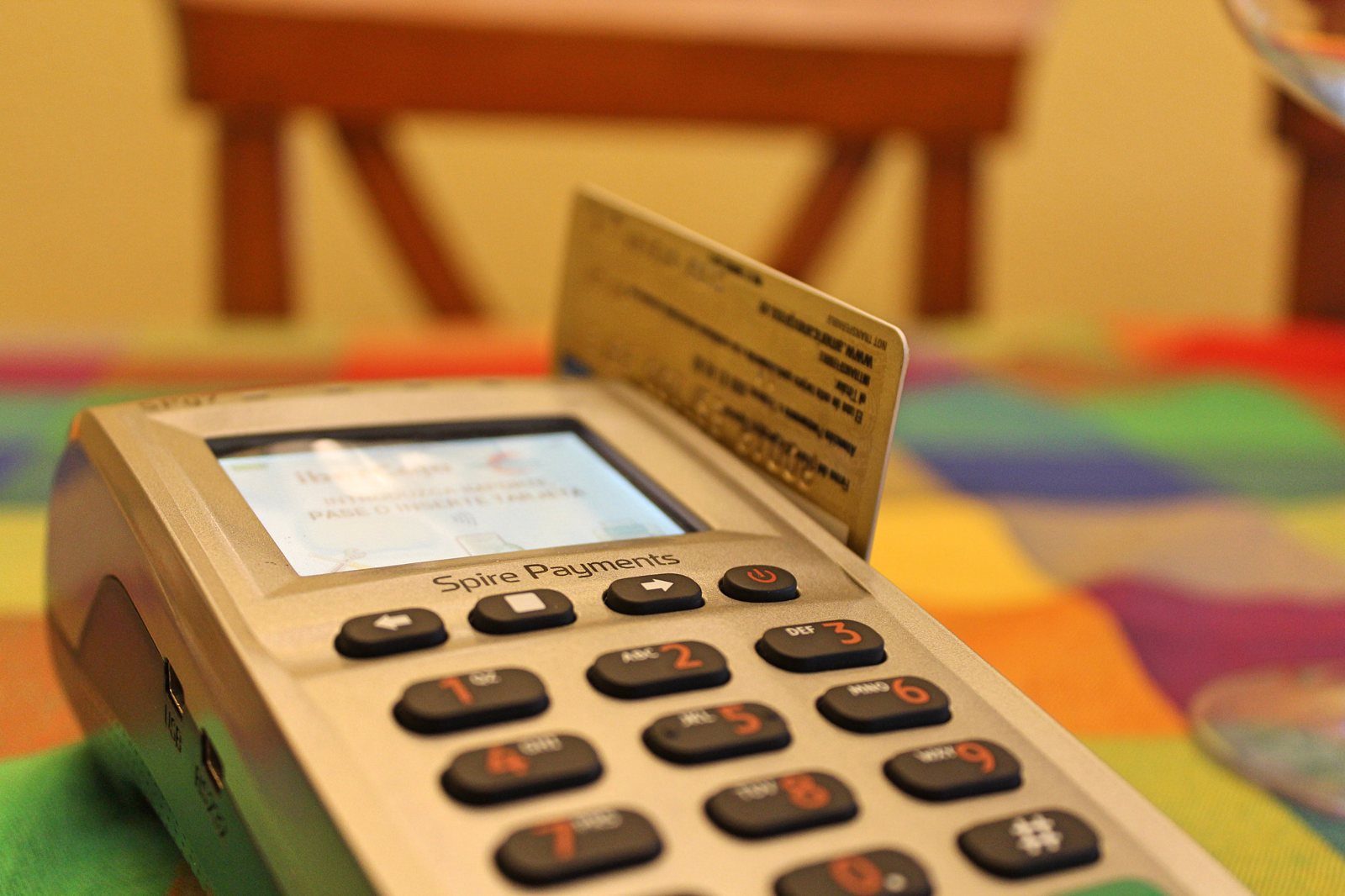
A terminal that can’t connect can’t take money. Put a ThingSIM in it and it stops depending on the venue’s broadband, the café’s router or the car park’s nonexistent Wi-Fi.
What the kit needs
A connection that isn’t the venue’s
The terminal carries its own multi-network connection, so a dropped router or a changed Wi-Fi password doesn’t stop the queue.
Kept off the internet
With a Private APN your terminals sit on a private network that nothing on the public internet can reach, and talk only to your payment gateway.
Small data, many devices
Card transactions use very little data, so the smallest plan usually does. Billing only starts when each terminal is deployed.
How it connects
50 MB, UK 4-network, with a Private APN.
Check the traffic your terminal model sends before you order in bulk; moving a SIM up a size is instant.
Questions people ask
What SIM card does a card machine need?
A data-only IoT SIM (also called an M2M SIM) in the size the terminal takes. Every ThingSIM is a multi-size card with mini, micro and nano sizes in one. Check with your terminal supplier that the machine accepts your own SIM, as some are supplied locked to theirs.
How much data does a payment terminal use?
Very little. Card transactions are small messages, so 50 MB (£0.90 a month) usually covers a terminal. Check the traffic your model sends before ordering in bulk; moving a SIM up a size is instant.
Are card payments safe over a SIM?
Every SIM gets a private IP address that cannot be reached from the internet. With a Private APN your terminals sit on a private network and talk only to your payment gateway.
What happens when the venue's Wi-Fi goes down?
Nothing changes for the terminal. It carries its own connection, so a dropped router or a changed Wi-Fi password does not stop it taking payments.
Which networks do the SIMs use?
UK 4-network SIMs roam across O2, Vodafone, Three and EE and use whichever is strongest where the terminal is, which suits machines that move between venues, markets and events.
When does billing start for each terminal?
On the day you switch its SIM on in the portal, or automatically 30 days after we despatch it; we email you at least 5 days before. SIMs arrive switched off, so terminals can be prepared a few weeks ahead of deployment.